Eris Nicolas Altmann
Use this command to install Eris:
winget install --id=sibexico.Eris -e Desktop PGP workstation
winget install --id=sibexico.Eris -e Desktop PGP workstation



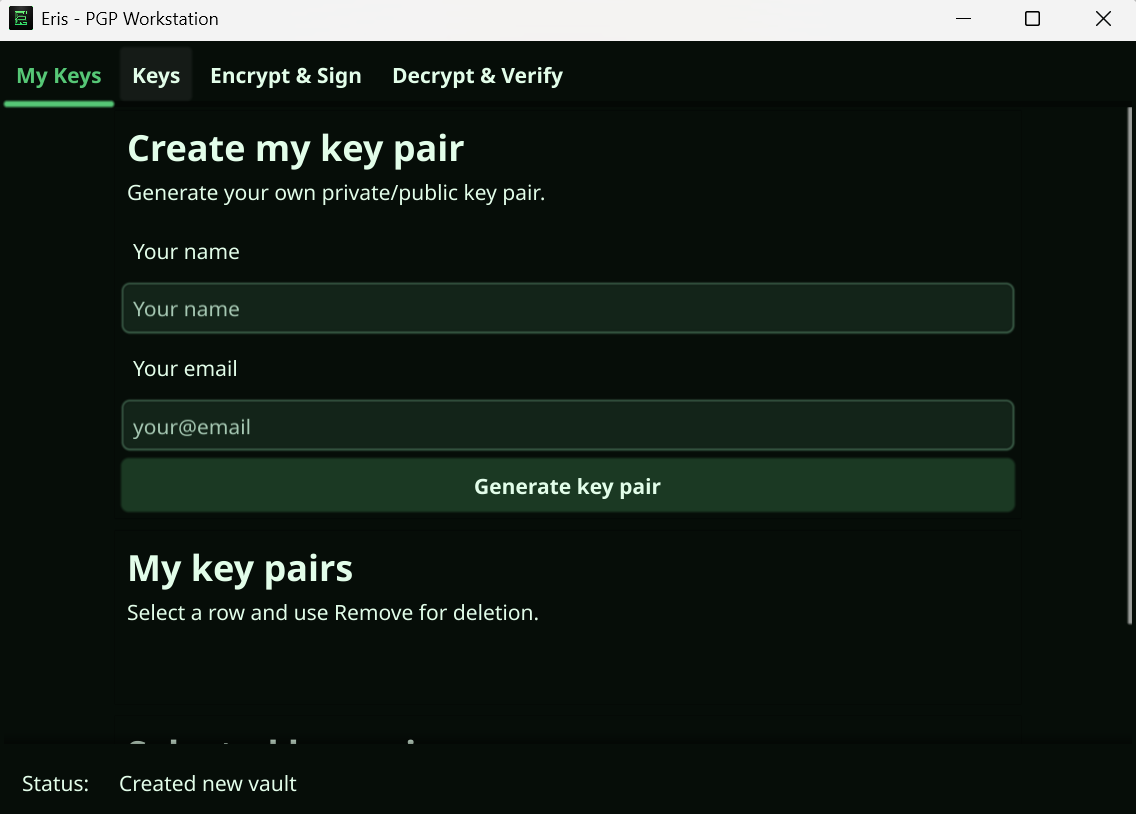
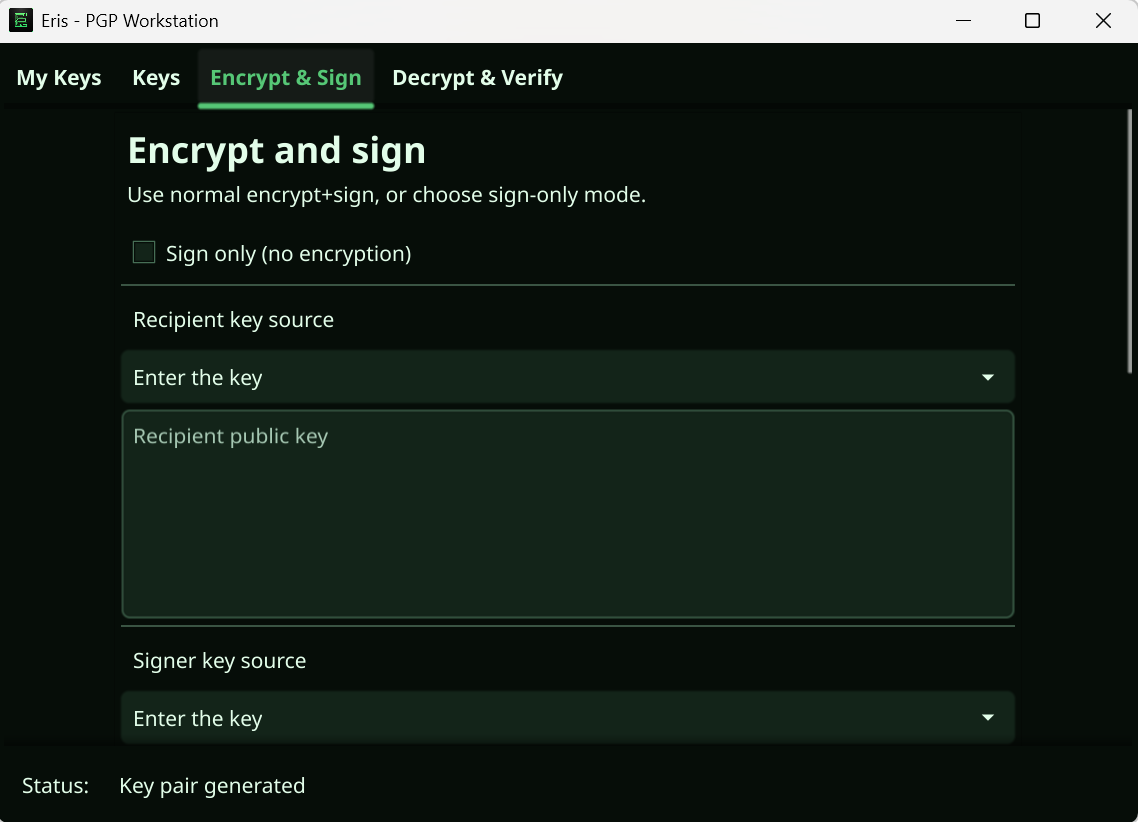
Eris is a desktop PGP workstation written in Go with Fyne. It stores keys in an encrypted vault and gives you a clean UI for signing, encryption, decryption, and verification.
Install from WinGet with:
winget install sibexico.Eris
If you already have Eris installed and want the latest published release:
winget upgrade sibexico.Eris
.deb file from Assets.sudo apt install ./eris__linux_.deb
Example:
sudo apt install ./eris_1.2.3_linux_x86_64.deb
If your distribution prefers dpkg first:
sudo dpkg -i eris__linux_.deb
sudo apt -f install
Build from source if you want a local binary:
Windows:
go build -ldflags "-H=windowsgui" -o eris.exe .
Linux:
go build -o eris .
./eris.exe./eris