chartgen Nicolas Altmann
Use this command to install chartgen with WinGet:
winget install --id=sibexico.chartgen -e Simple tool for generate graphic charts
winget install --id=sibexico.chartgen -e Simple tool for generate graphic charts
Tiny C tool that turns a simple CSV file into an SVG chart.
All fields must be wrapped in double quotes. This is required so commas inside text never break parsing.
Data rows use 2 or 3 columns:
#3B82F6)The chart direction is required:
"@orientation","horizontal""@orientation","vertical"Optional metadata rows:
"@x_axis","Your X axis name""@y_axis","Your Y axis name""@title","Chart title""@subtitle","Chart subtitle""@value_unit","ops/s"You can keep a header row ("label","value","color") or skip it.
Example:
"@orientation","horizontal"
"@title","Values comparison"
"@subtitle","Comparing 2 values"
"@x_axis","Axis X"
"@y_axis","Axis Y"
"@value_unit","ops/s"
"label","value","color"
"1st value","68000","#3B82F6"
"2nd value","94000","#10B981"
# are ignored.@value_unit is not provided, value text is shown without a unit name.make
On Windows, use a make + GCC toolchain (MinGW-w64).
./chartgen input.csv output.svg
./chartgen --version
Windows:
chartgen.exe input.csv output.svg
chartgen.exe --version
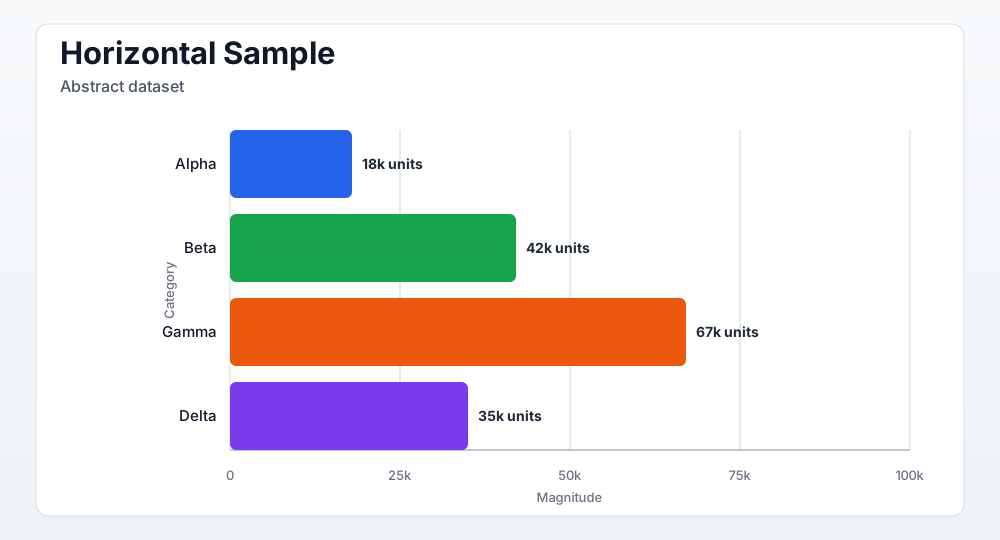
Horizontal:
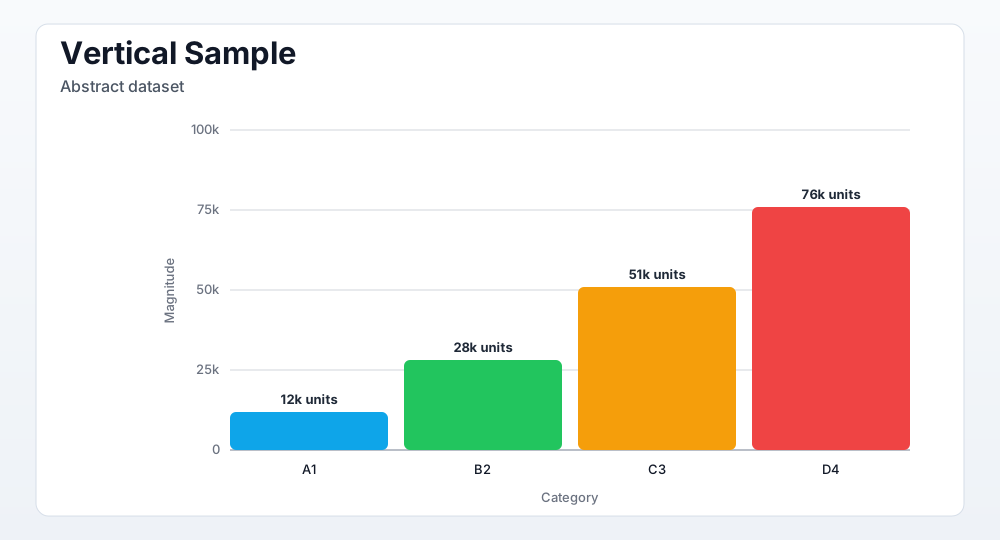
Vertical: