azdash


azdash is an Azure-focused C++23 CLI. It audits Azure spending,
Six-month cost trends, and waste signals from Azure Advisor, plus resource
heuristics, then renders the results as an FTXUI table, JSON, CSV, or a PDF
report.
The implementation is intentionally layered:
AzureCliClient gathers data through the official Azure CLI, so the core is
easy to test without Azure credentials.analytics contains template-based generic helpers with concepts for
aggregation and filtering.render owns FTXUI, JSON, and CSV presentation.report writes stakeholder-friendly PDF reports without requiring a browser.- GTest covers parser, analytics, and report generation behavior.
Features
- Comparative cost analytics for current month versus the matching window in
the previous month.
- Six-month trend report with optional service filtering.
- Waste detection from
az advisor recommendation list --category Cost.
- Extra Azure heuristics for unattached managed disks, orphan public IPs, old
snapshots, and stopped or deallocated virtual machines.
- Selective scans by check name, for example
compute network advisor.
- Local subscription aliases through
alias-sub so long subscription IDs can be
referenced by short names in later commands.
- Output formats:
table, json, and csv.
- Styled terminal tables with colors and inline progress bars for table output.
- PDF reports for cost, trend, and waste workflows.
- CMake, vcpkg manifest mode, Docker, CI build/test, and package publishing
workflows for Homebrew, npm, winget, vcpkg, and release-native installers.
Install
Homebrew
brew install stescobedo92/tap/azdash
npm
npm install -g @stescobedo9205/azdash
azdash version
The npm package exposes the CLI as the azdash command and downloads the
matching GitHub Release binary during installation.
GitHub Releases
Each release publishes portable archives and native installer packages:
- Windows:
azdash-windows-x64.zip
- Linux:
azdash-linux-x64.deb, azdash-linux-x64.rpm,
azdash-ubuntu-latest.tar.gz
- macOS:
azdash-macos.pkg, azdash-macos.dmg,
azdash-macos-latest.tar.gz
Download them from the
GitHub Releases page.
vcpkg
Coming soon. The package name is expected to be stescobedo92-azdash, with the
installed CLI command azdash, once the upstream vcpkg pull request is
approved.
winget
Coming soon. The expected command is:
winget install azdash
Screenshots
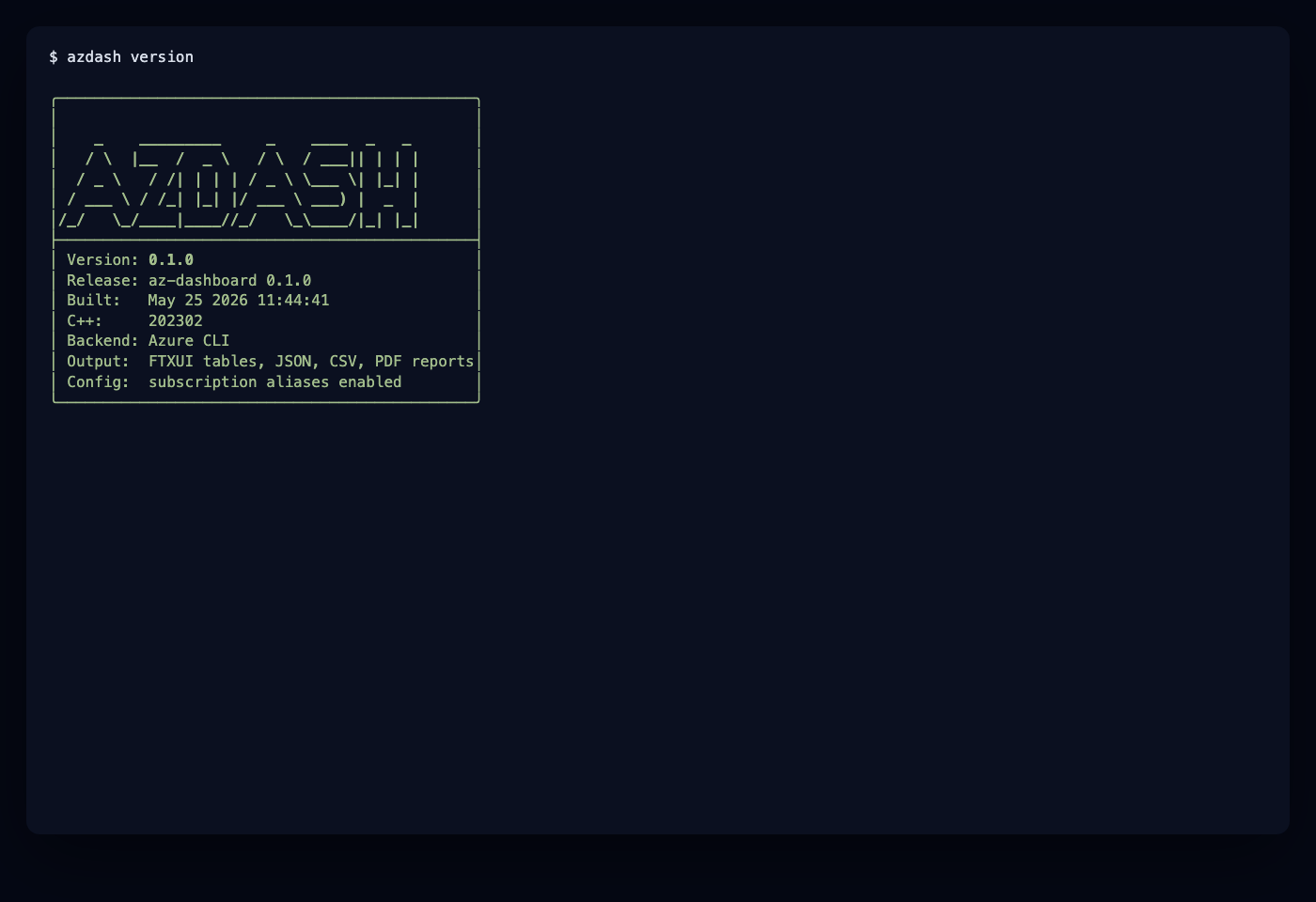
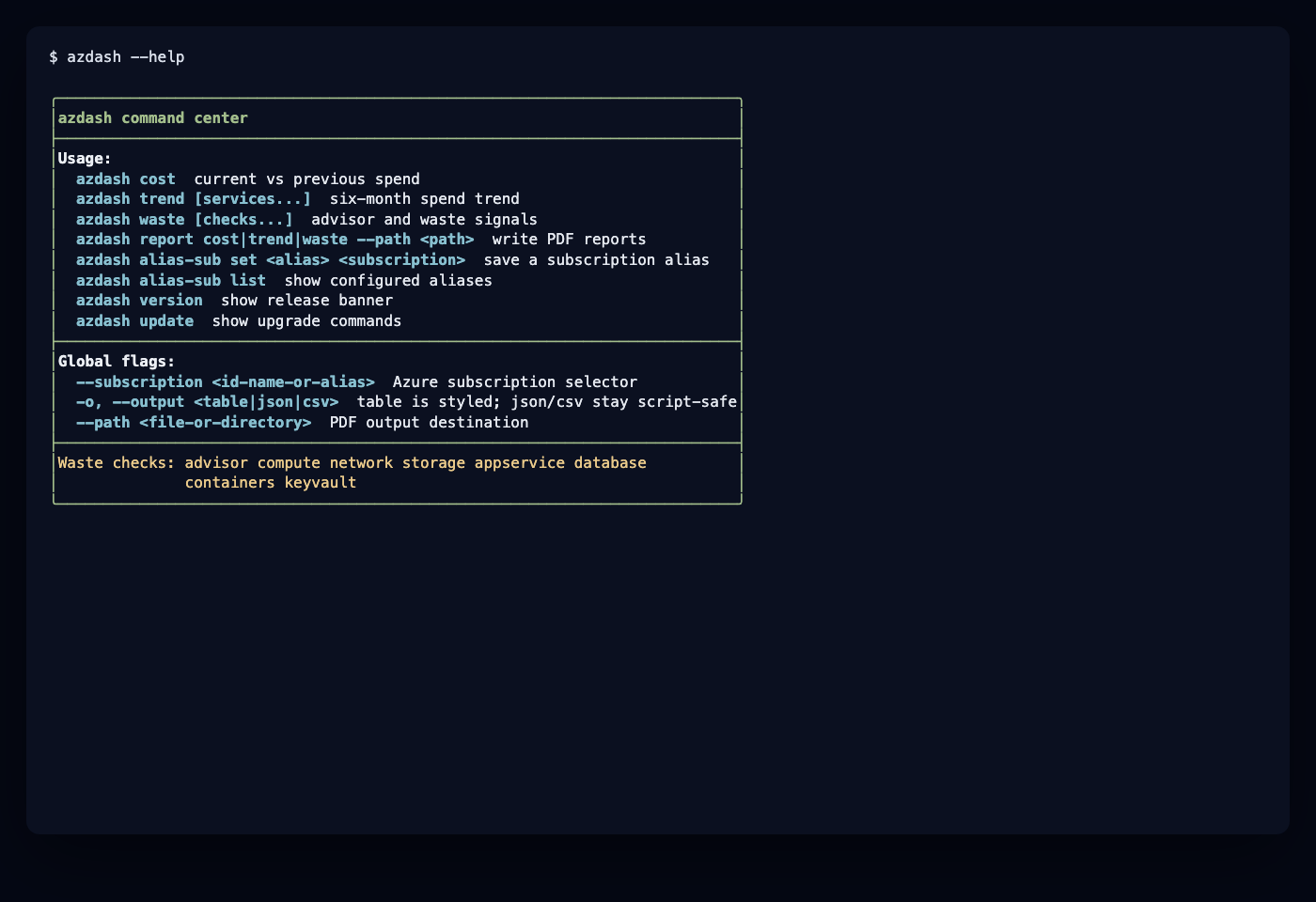
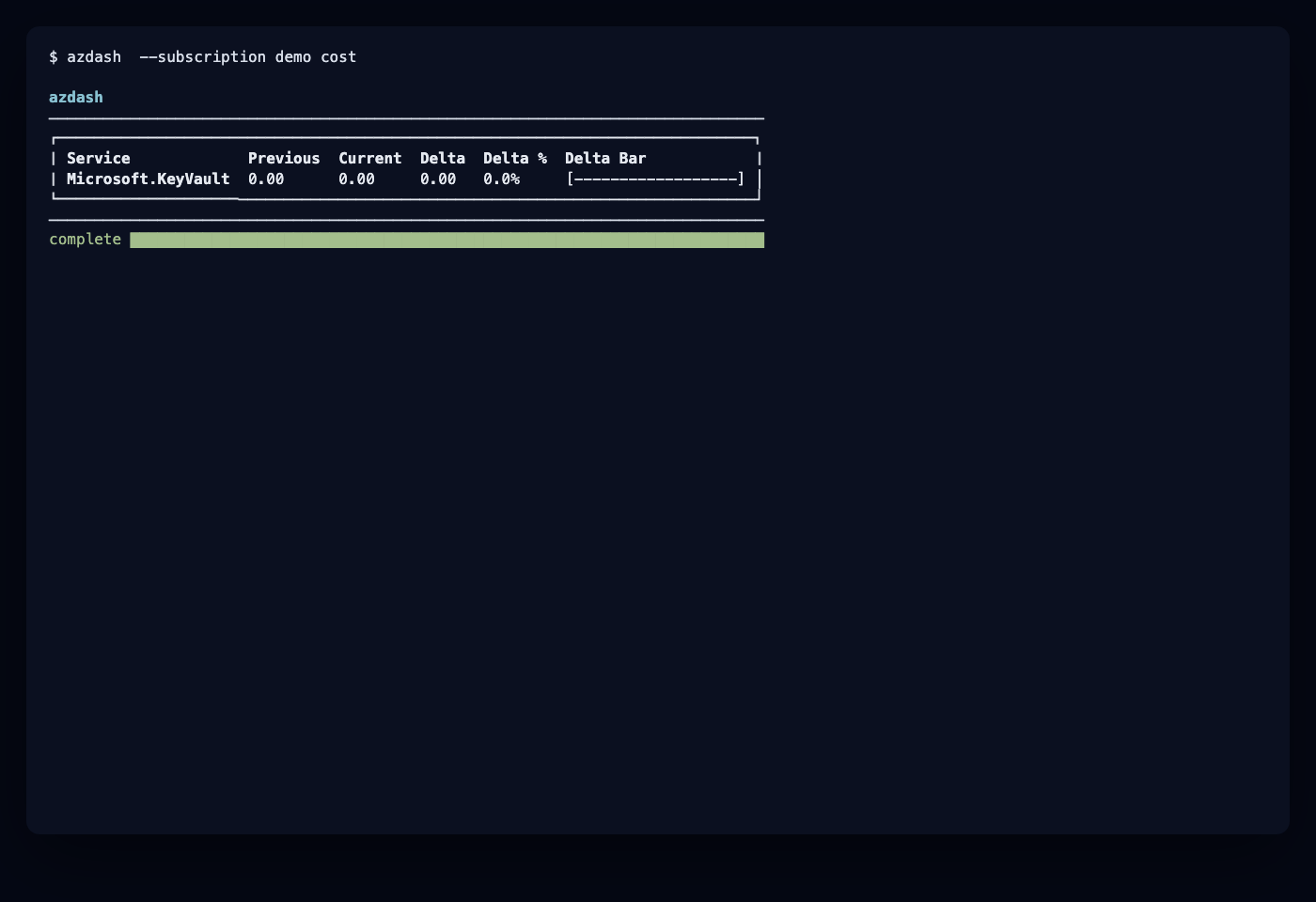
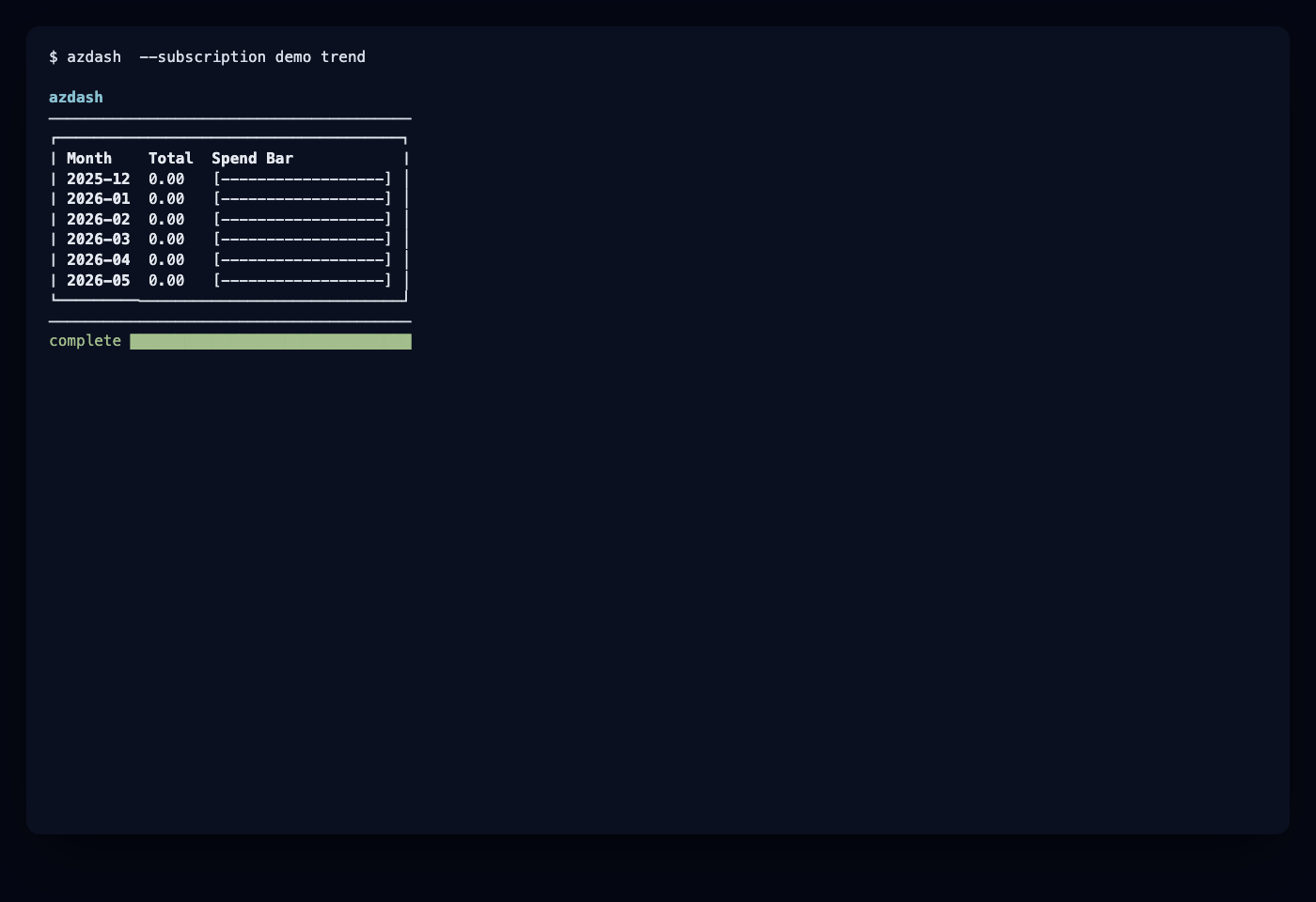
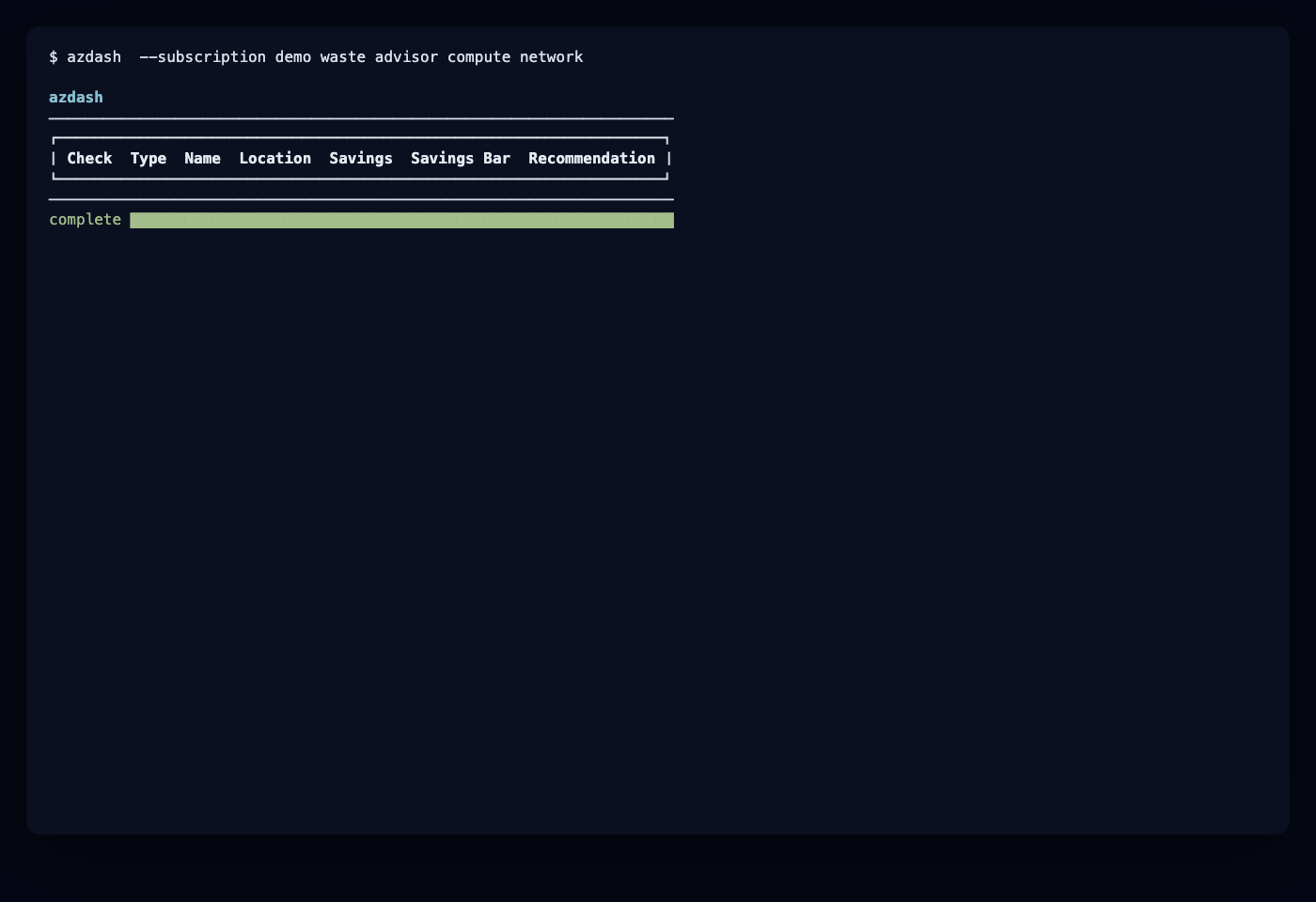
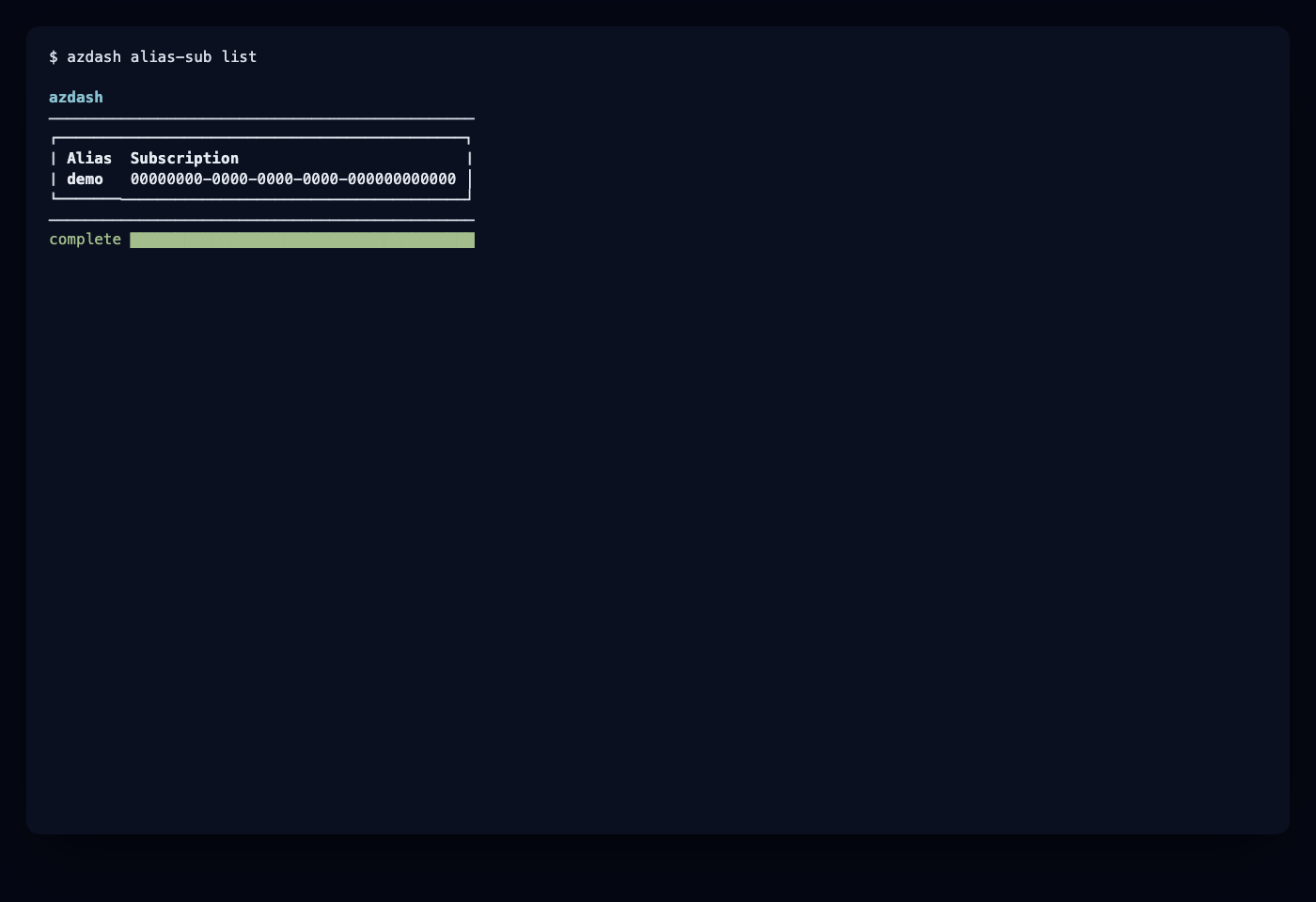
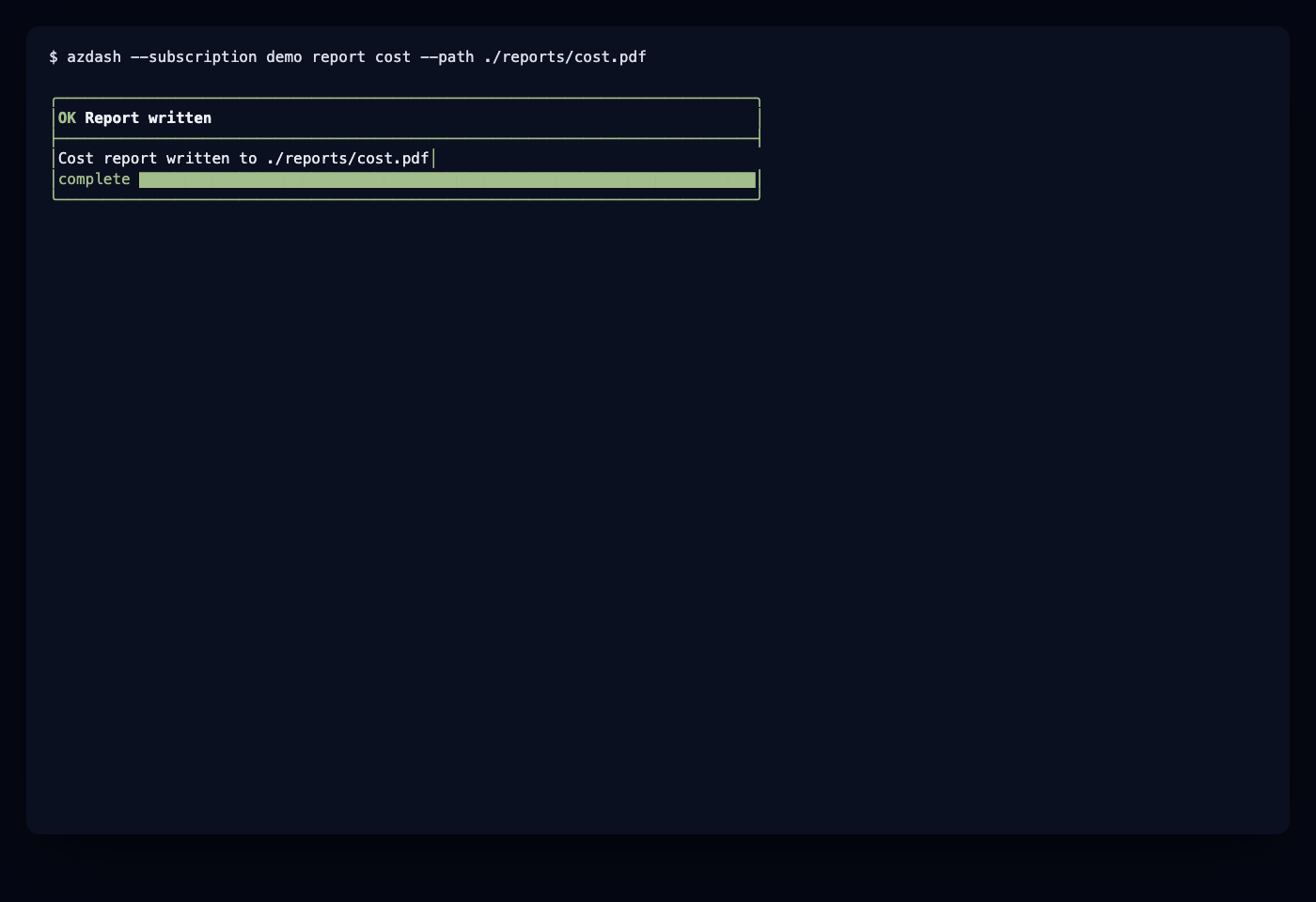
The terminal UI is rendered with FTXUI for styled command panels, tables,
progress bars, success states, and errors. JSON and CSV output remain plain for
scripts.
More public-safe examples are available in assets/screenshots, including
alias lifecycle commands, update guidance, report generation, and error states.
Requirements
- C++23 compiler.
- CMake 3.25 or newer.
- Ninja.
- vcpkg.
- Azure CLI authenticated with
az login.
Azure cost data is read with az consumption usage list; Advisor data is read
with az advisor recommendation list. The Azure CLI documentation currently
marks Advisor recommendations as GA and Consumption as preview.
Build
cmake -S . -B build -G Ninja \
  -DCMAKE_BUILD_TYPE=Release \
  -DCMAKE_TOOLCHAIN_FILE="$VCPKG_ROOT/scripts/buildsystems/vcpkg.cmake"

cmake --build build
ctest --test-dir build --output-on-failure
Docker
docker build -t azdash .
docker run --rm -it -v "$HOME/.azure:/home/azdash/.azure:ro" azdash cost
Usage
# Cost comparison: current month vs previous matching window
azdash cost

# JSON or CSV output
azdash --output json cost
azdash --output csv waste advisor compute

# Create and use a local subscription alias
azdash alias-sub set prod "00000000-0000-0000-0000-000000000000"
azdash --subscription prod cost
azdash alias-sub list

# Use a specific subscription directly
azdash --subscription "00000000-0000-0000-0000-000000000000" trend

# Trend for selected services
azdash trend "Virtual Machines" "Storage"

# Waste checks
azdash waste
azdash waste advisor compute network

# PDF reports
azdash report cost --path ./reports
azdash report trend "Virtual Machines" --path ./reports/trend.pdf
azdash report waste compute network --path ./reports/waste.pdf

# Local version and update guidance
azdash version
azdash update