tray-monitor strayge
Use this command to install tray-monitor with WinGet:
winget install --id=strayge.tray-monitor -e Battery percentage & cpu/memory/network load as plots in system tray
winget install --id=strayge.tray-monitor -e Battery percentage & cpu/memory/network load as plots in system tray
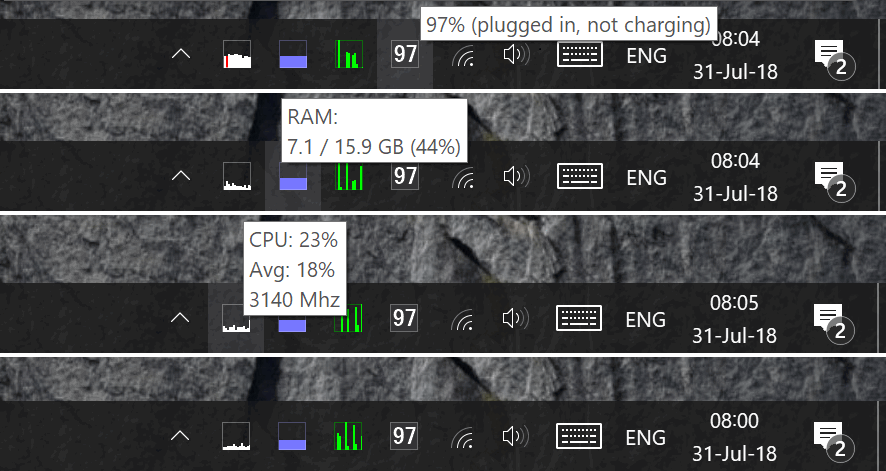
See your system's loading in tray.
Different icons for:
Single click uppon Memory icons open balloon with top processes.
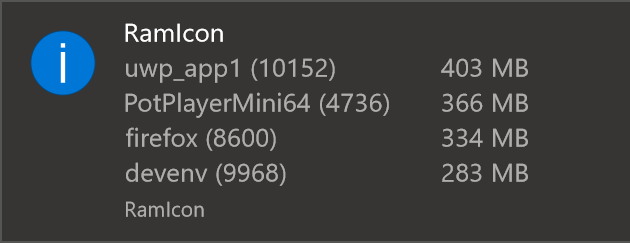
Double clicks opens Task Manager / Resource Monitor.
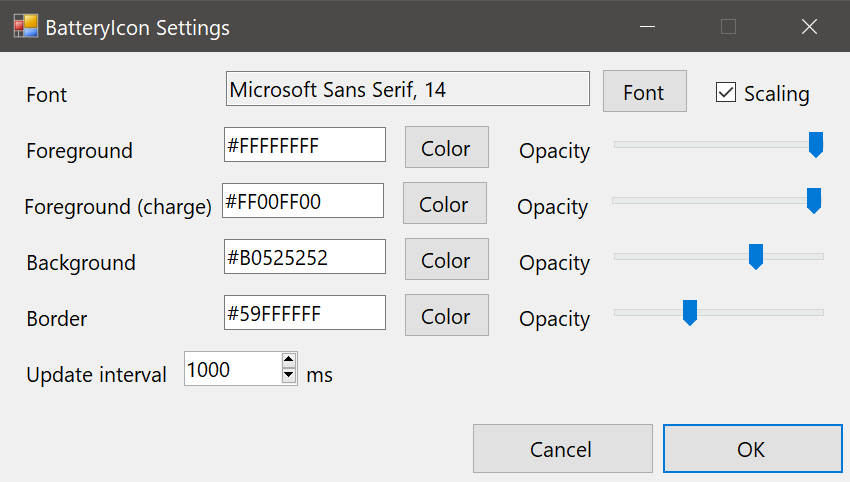
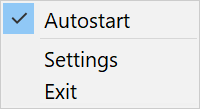
All colors, update intervals and some other parameters can be changed via GUI settings.
This project was compiled with Visual Studio 2026.