DBX t8y2
winget install --id=t8y2.DBX -e 15MB,lightweight, cross-platform database client. Supports MySQL, PostgreSQL, SQLite, Redis, MongoDB, DuckDB, ClickHouse, SQL Server and more.
English | 前往中文版本
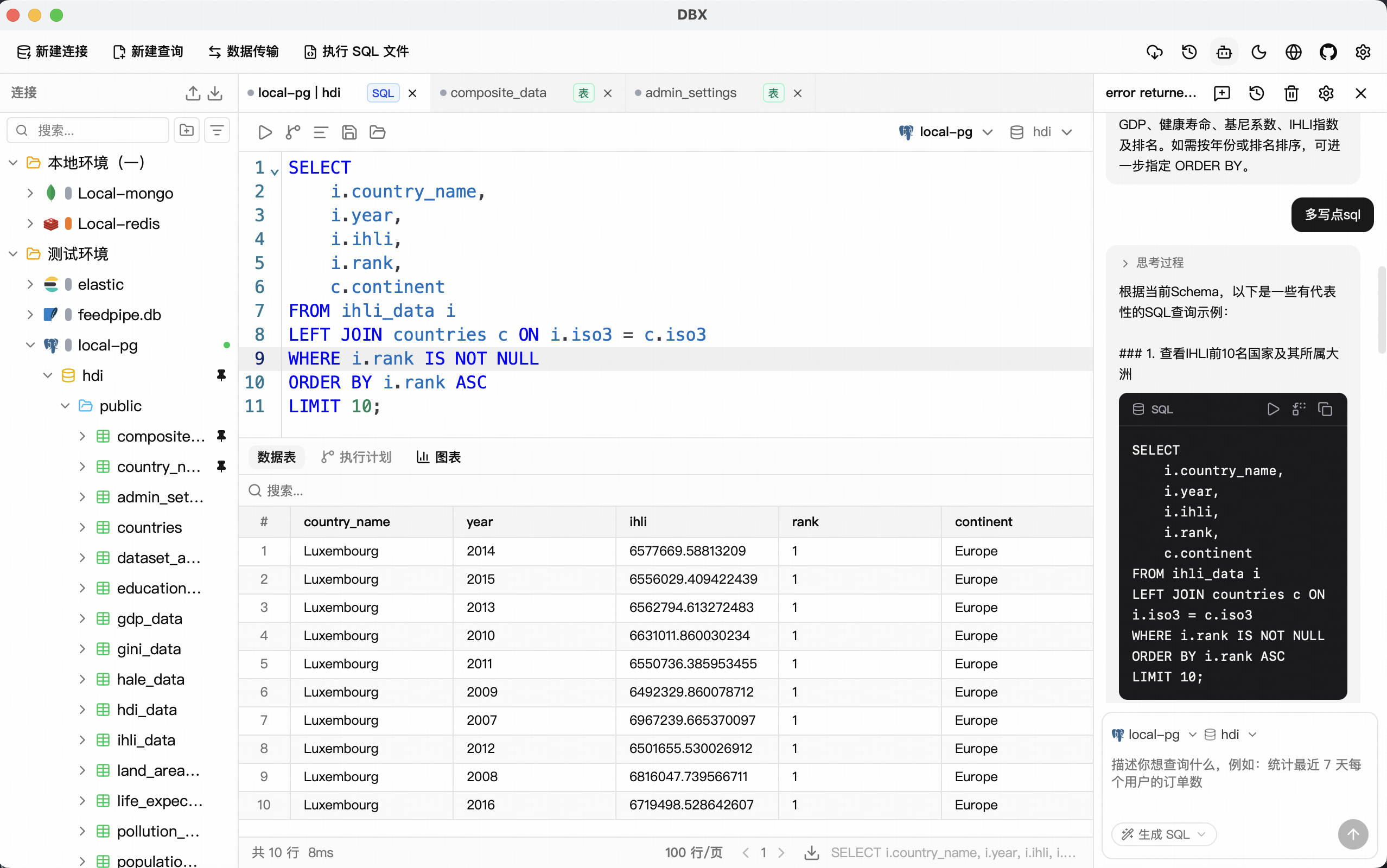
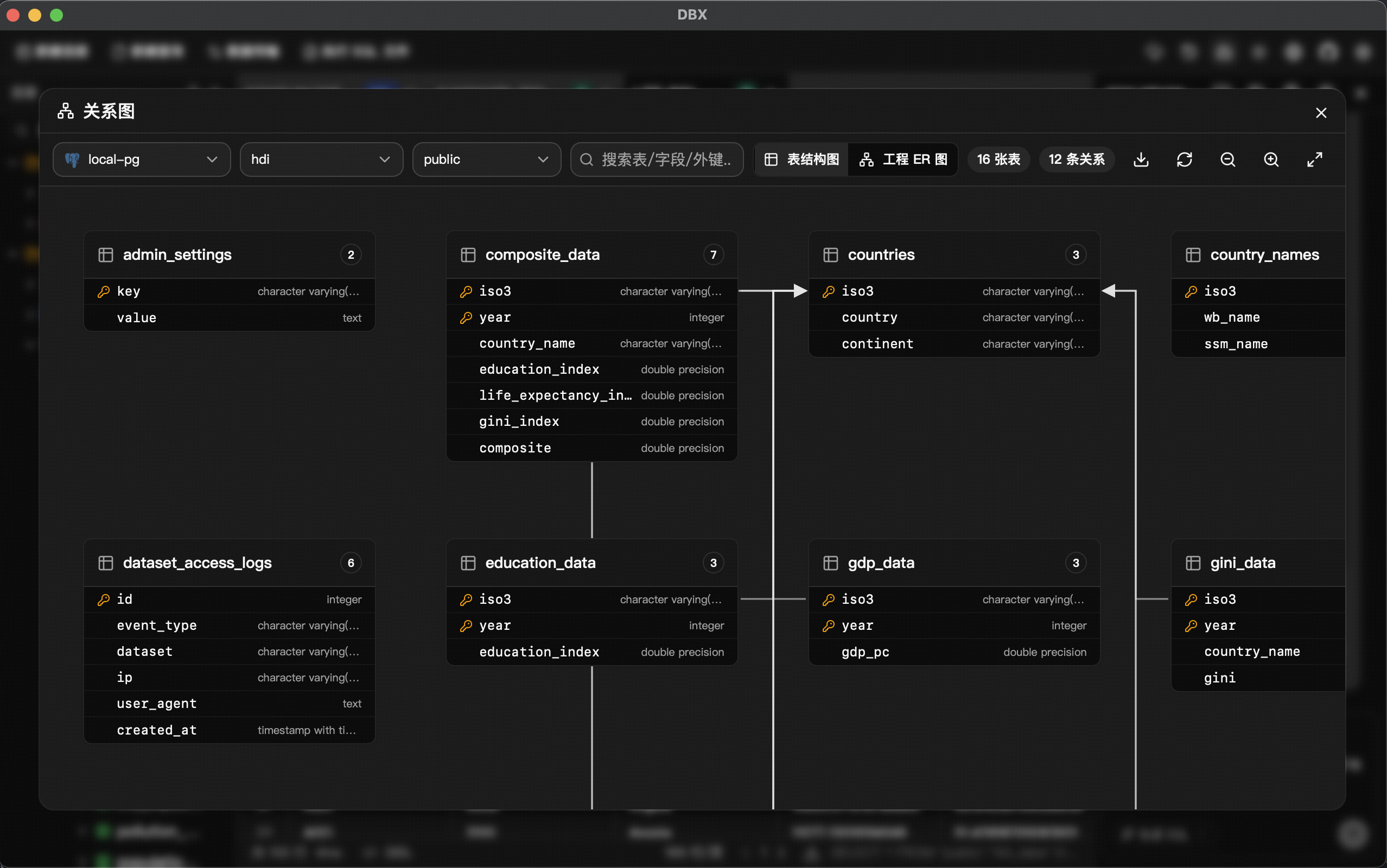
MySQL, PostgreSQL, SQLite, Redis, MongoDB, DuckDB, ClickHouse, SQL Server, Oracle, Elasticsearch, MariaDB, TiDB, OceanBase, openGauss, GaussDB, KingBase, Vastbase, GoldenDB — connect to all of them from a single ~15 MB app. No bundled Chromium.
CodeMirror 6 with SQL syntax highlighting, smart autocomplete (tables & columns), Cmd+Enter execution, selected SQL execution, SQL formatting, and 9 editor themes. Persistent query history with search and restore.
Describe what you want in plain language — get SQL back. Also explains, optimizes, and fixes errors. Works with Claude, OpenAI, or any OpenAI-compatible endpoint.
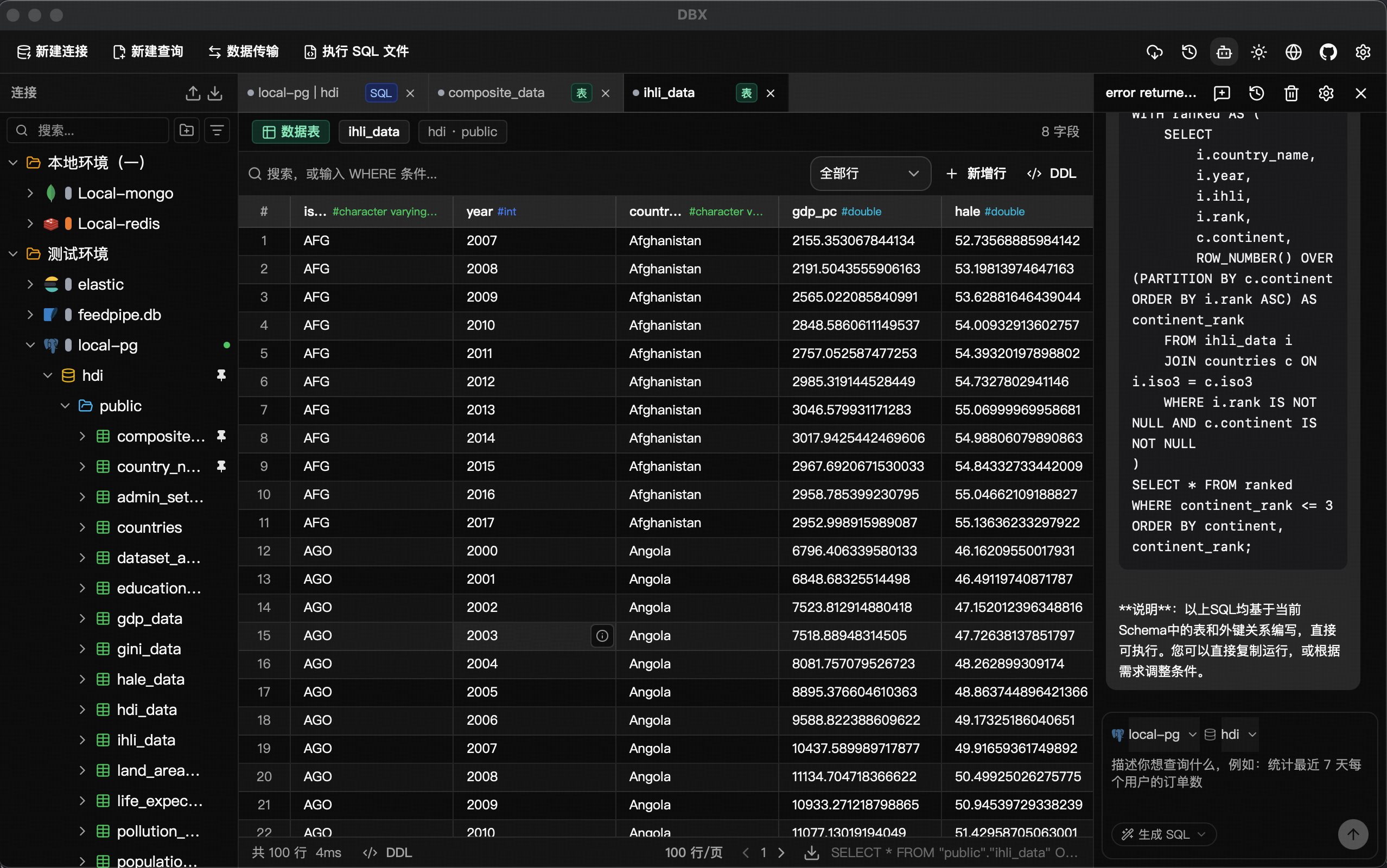
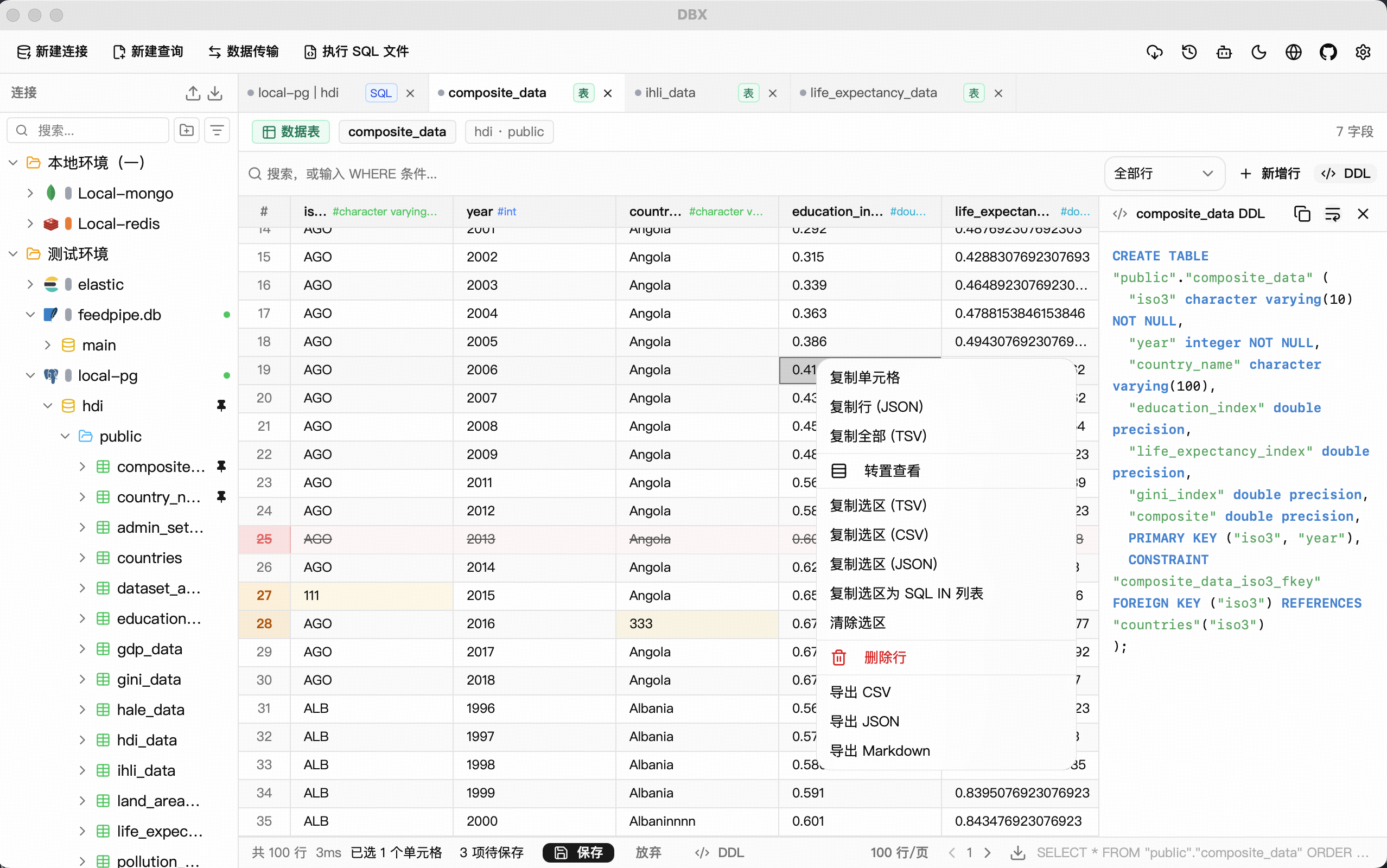
Virtual-scrolled table that handles millions of rows. Inline editing, sorting, full-text search, pagination, column resize, row numbers, zebra stripes. Export to CSV, JSON, Markdown.
.sql files directlySSH tunnel (key & password) · auto-reconnect on connection loss · confirmation dialogs for destructive operations · encrypted config export/import · color-coded connections
Dark mode with native title bar sync · 9 editor themes · English & 简体中文 · built-in auto-update
DBX provides an MCP server that lets AI coding agents query your databases using connections already configured in DBX.
npx @dbx-app/mcp-server
Add to your .mcp.json:
{
"mcpServers": {
"dbx": { "command": "npx", "args": ["-y", "@dbx-app/mcp-server"] }
}
}
Works with Claude Code, Cursor, Windsurf, and any MCP-compatible agent. Supports listing connections, browsing tables, executing SQL, and opening tables directly in DBX's UI.
See the MCP server README for details.
Download the latest release from the Releases page.
Homebrew (macOS):
brew install --cask t8y2/tap/dbx
Scoop (Windows):
scoop bucket add dbx https://github.com/t8y2/scoop-bucket
scoop install dbx
DBX provides a web version that can be deployed via Docker.
docker run -d --name dbx -p 4224:4224 -v dbx-data:/app/data t8y2/dbx
Or with Docker Compose:
services:
dbx:
image: t8y2/dbx
ports:
- "4224:4224"
volumes:
- dbx-data:/app/data
restart: unless-stopped
volumes:
dbx-data:
Open http://localhost:4224 in your browser. Multi-arch images (amd64 / arm64) are available.
macOS:
No additional dependencies required.
Linux (Ubuntu/Debian):
sudo apt-get install -y libwebkit2gtk-4.1-dev libgtk-3-dev libappindicator3-dev librsvg2-dev patchelf libssl-dev
Windows:
No additional dependencies required.
pnpm install
pnpm dev:tauri
Web version:
pnpm dev:web # frontend
pnpm dev:backend # backend
pnpm tauri build
The installer will be in src-tauri/target/release/bundle/.
| Layer | Technology |
|---|---|
| Framework | Tauri 2 |
| Frontend | Vue 3 + TypeScript |
| UI | shadcn-vue + Tailwind CSS |
| Editor | CodeMirror 6 |
| Backend | Rust + sqlx / tiberius / redis-rs / mongodb |