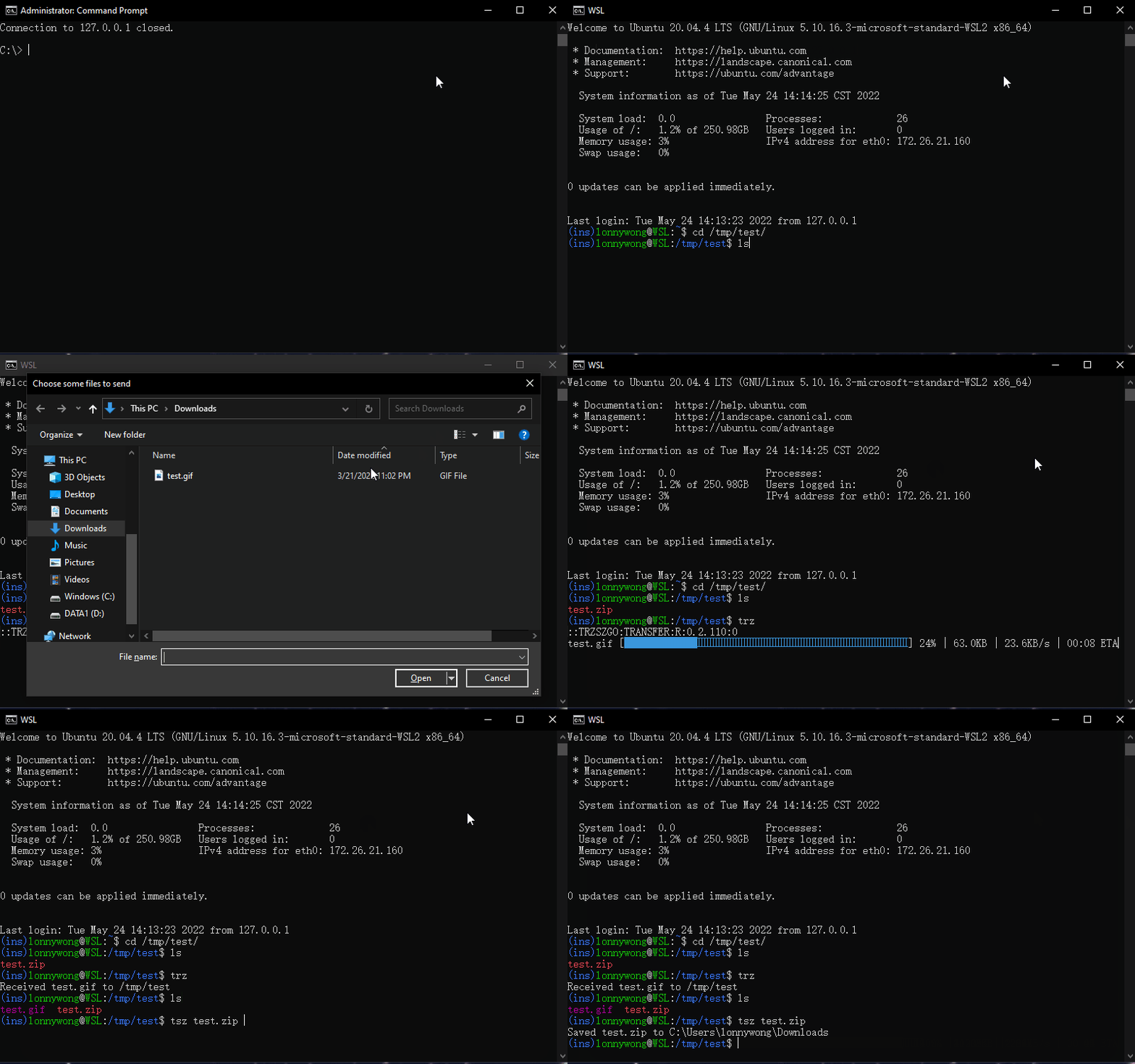
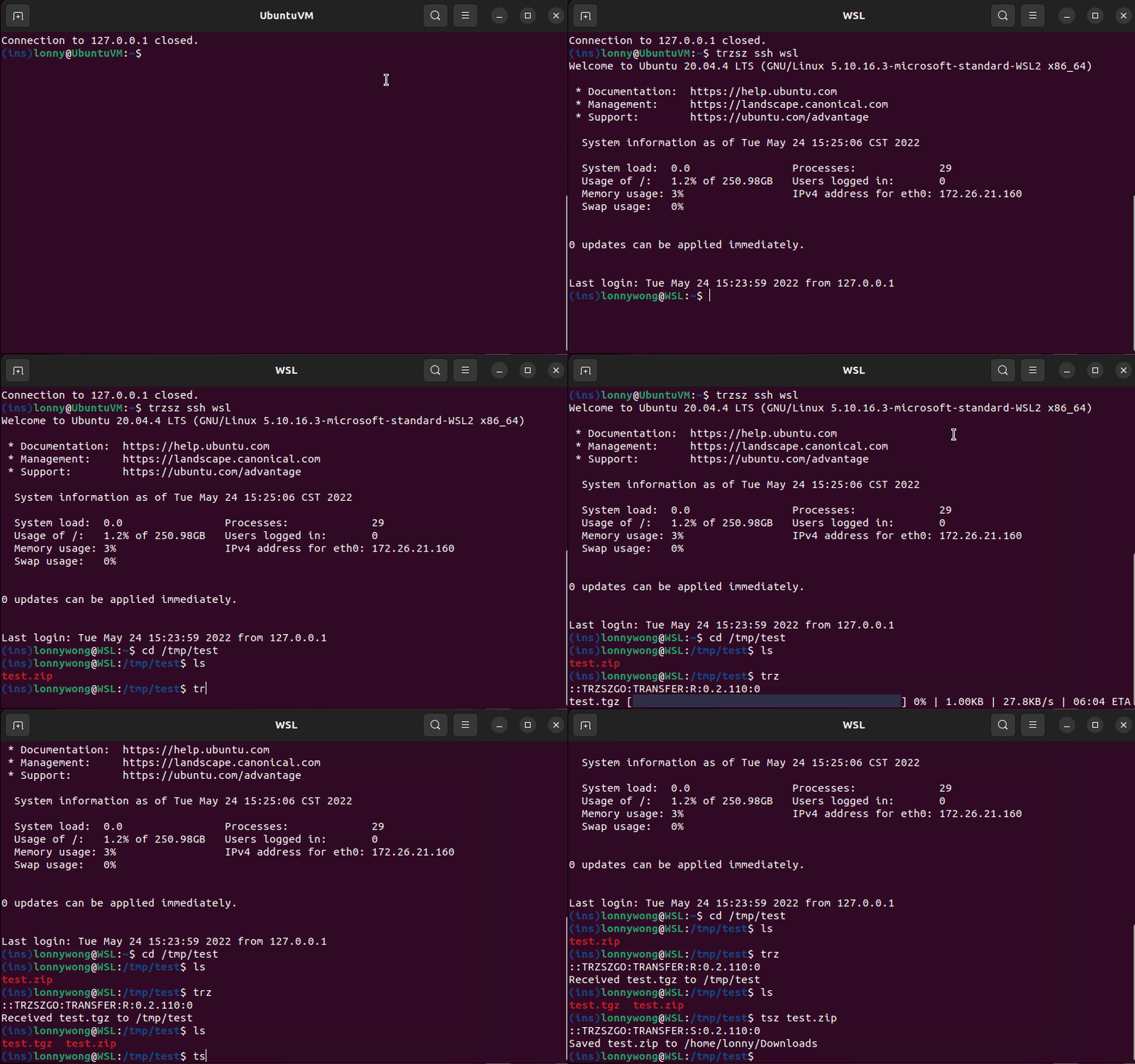
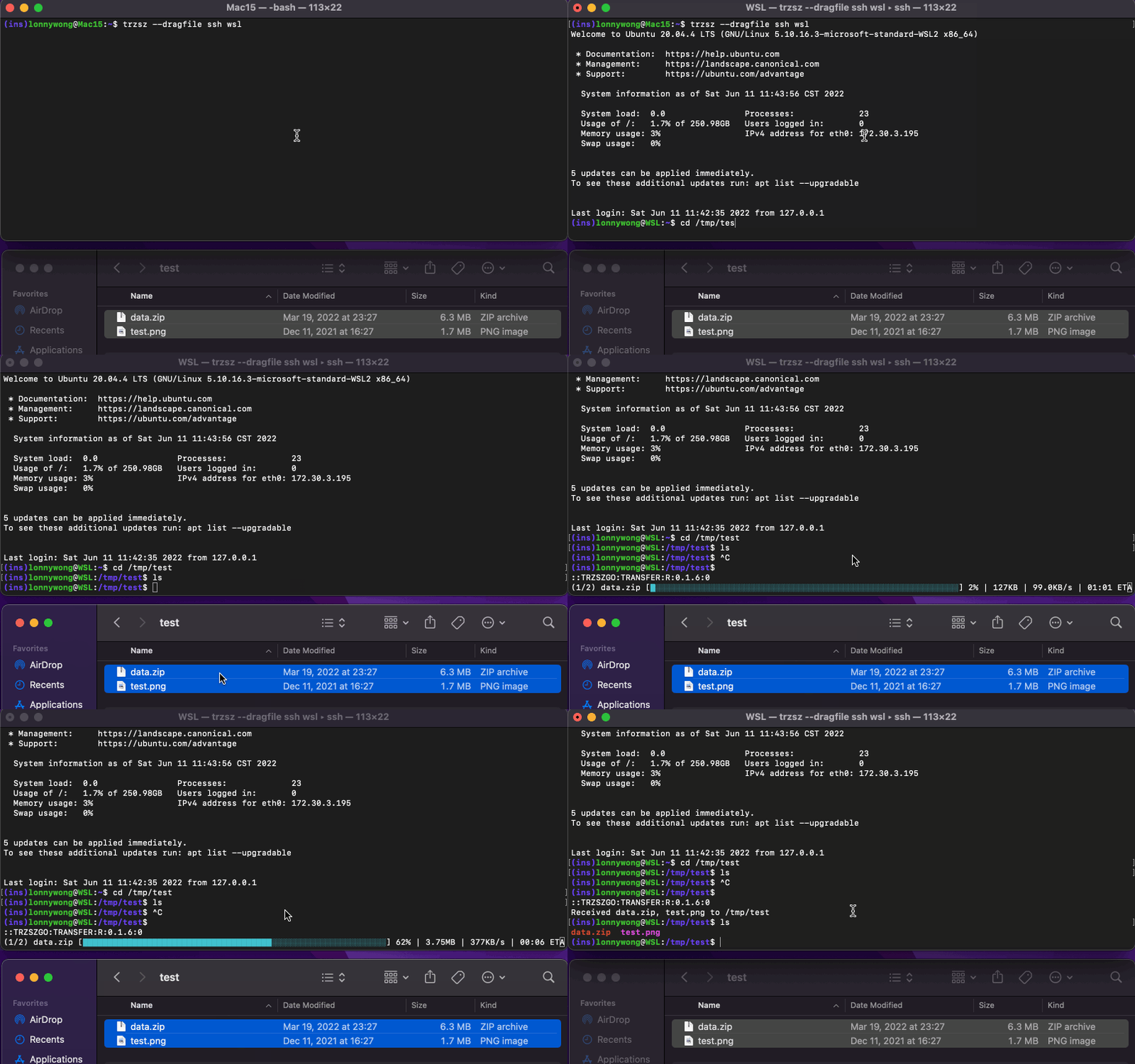
trzsz is a file transfer tool designed for efficient and reliable file transfers in terminal environments. Built using Go, it offers compatibility with tmux and supports Zmodem protocol for enhanced functionality.
Key Features:
Zmodem Support: Enables seamless file transfers using the rz/sz commands, compatible with lrzsz on clients.
Clipboard Integration: Supports OSC52 sequences for clipboard integration, allowing remote servers to write to the local clipboard.
Configuration Options: Users can set default upload and download paths, customize drag-and-drop commands, and configure progress bar colors.
Audience & Benefit:
Ideal for developers and system administrators who require robust file transfer capabilities within terminal environments. trzsz simplifies file transfers without disrupting workflow, especially beneficial for users of tmux or those needing Zmodem functionality.
trzsz can be installed via winget on Windows and is available across multiple platforms, ensuring broad compatibility and ease of use.
README
trzsz-go ( trz / tsz ) - the go version of trzsz
trzsz-go makes all terminals that support local shell to support trzsz ( trz / tsz ), which similar to ( rz / sz ), and compatible with tmux.
⭐ It's recommended to use the go version of trzsz on the server, use trzsz-ssh ( tssh ) on local.
go install github.com/trzsz/trzsz-go/cmd/...@latest
go install github.com/trzsz/trzsz-go/cmd/trz@latest
go install github.com/trzsz/trzsz-go/cmd/tsz@latest
go install github.com/trzsz/trzsz-go/cmd/trzsz@latest
The binaries are usually located in ~/go/bin/ ( C:\Users\your_name\go\bin\ on Windows ).
Build from source ( Requires go 1.25 or later )
sudo make install
git clone --depth 1 https://github.com/trzsz/trzsz-go.git
cd trzsz-go
make
sudo make install
If the DefaultUploadPath is not empty, the path will be opened by default while choosing upload files.
If the DefaultDownloadPath is not empty, downloading files will be saved to the path automatically instead of asking each time.
The default value of DragFileUploadCommand is trz, configure it to trz -y if you want to overwrite the existing files, configure it to rz if you want to use rz to upload.
The ProgressColorPair configures the color of the progress bar. You need to configure 2 colors and do not include #. The progress bar will gradient from the first color to the second color.
Trouble shooting
If using MSYS2 or Git Bash on windows, and getting an error The handle is invalid.