beads-web weselow
Use this command to install beads-web with WinGet:
winget install --id=weselow.beads-web -e Visual Kanban board and multi-project dashboard for beads task tracking
winget install --id=weselow.beads-web -e Visual Kanban board and multi-project dashboard for beads task tracking
Visual command center for beads task tracking.
Why · Origin · Features · Events journal · Themes · Installation · Development · FAQ · Troubleshooting
Beads CLI is powerful for task tracking, but:
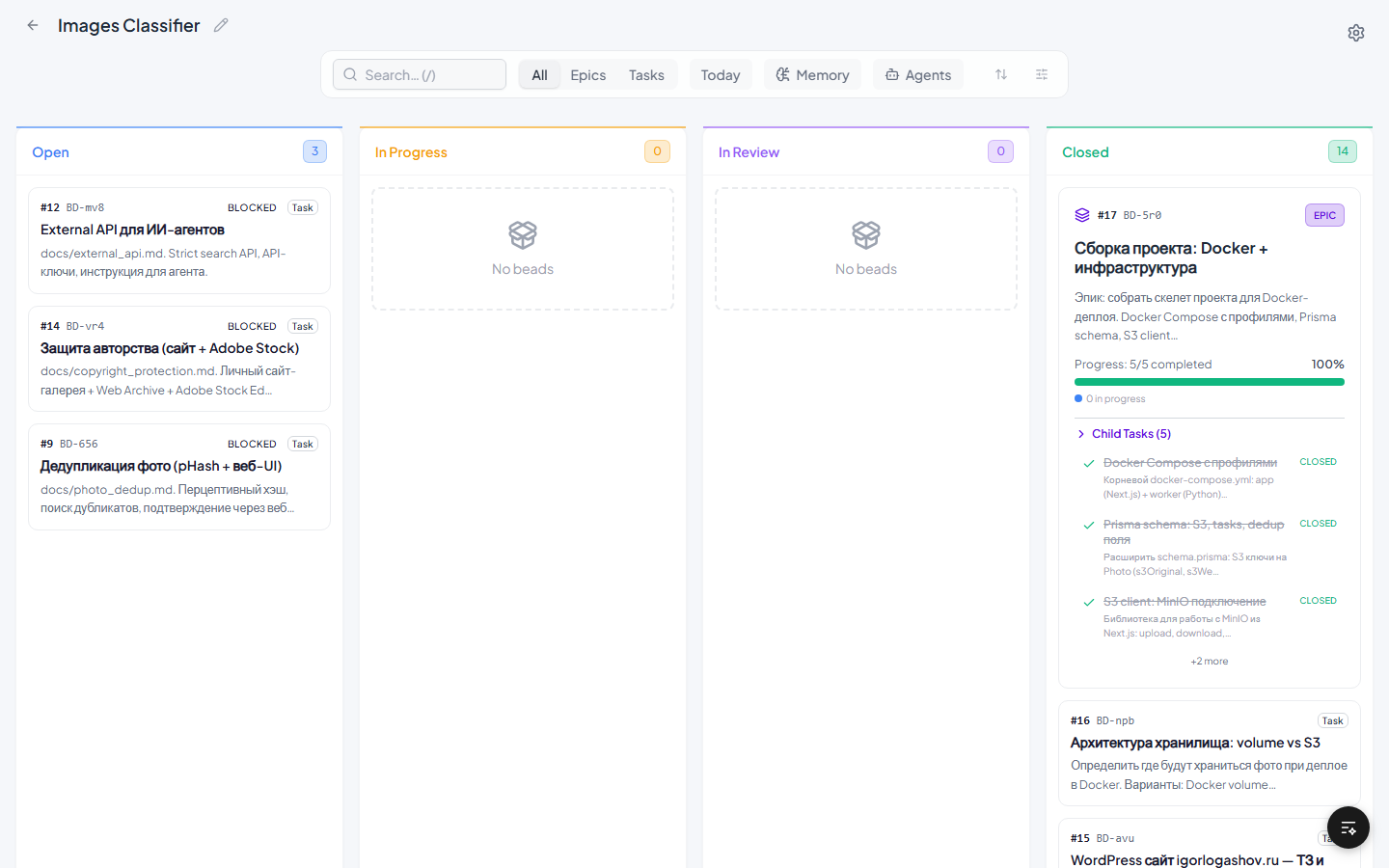
Beads Web gives you a real-time Kanban board, multi-project dashboard, and git operations — without leaving the browser.
Inspired by Beads-Kanban-UI by Aviv Kaplan. The original author appears to have stopped development — PRs go unreviewed for months.
This fork has diverged significantly: 84 files changed, ~9500 lines added.
What changed (summary)
Full changelog with rationale: docs/changelog.md
Since bd 1.3.0, bd can keep its own ordered log of changes — the events journal. When a project has it turned on, Beads Web reads the whole project once, keeps it in memory, and after that asks bd only for what changed since the last poll.
Who benefits. Projects in bd's default embedded mode: without the journal, Beads Web re-reads the whole project on every poll. Projects in server mode are read directly over SQL and do not need it.
Turn it on or off — per project, run in the project folder:
bd config set events-journal true    # on
bd config set events-journal false   # off
The setting is written to .beads/config.yaml and affects every bd command in that project, agents included. In our measurements, writes did not get noticeably slower.
What changes on the board (measured on a project with ~1100 tasks):
Limits:
bd dolt pull is not journaled, so Beads Web re-reads the whole project every 10 minutes to pick up pulled changes.bd sql are not journaled either; they show up at the next full re-read.Soft Light theme is shown in the main screenshot above.
See all included themes
Default Dark

Glassmorphism
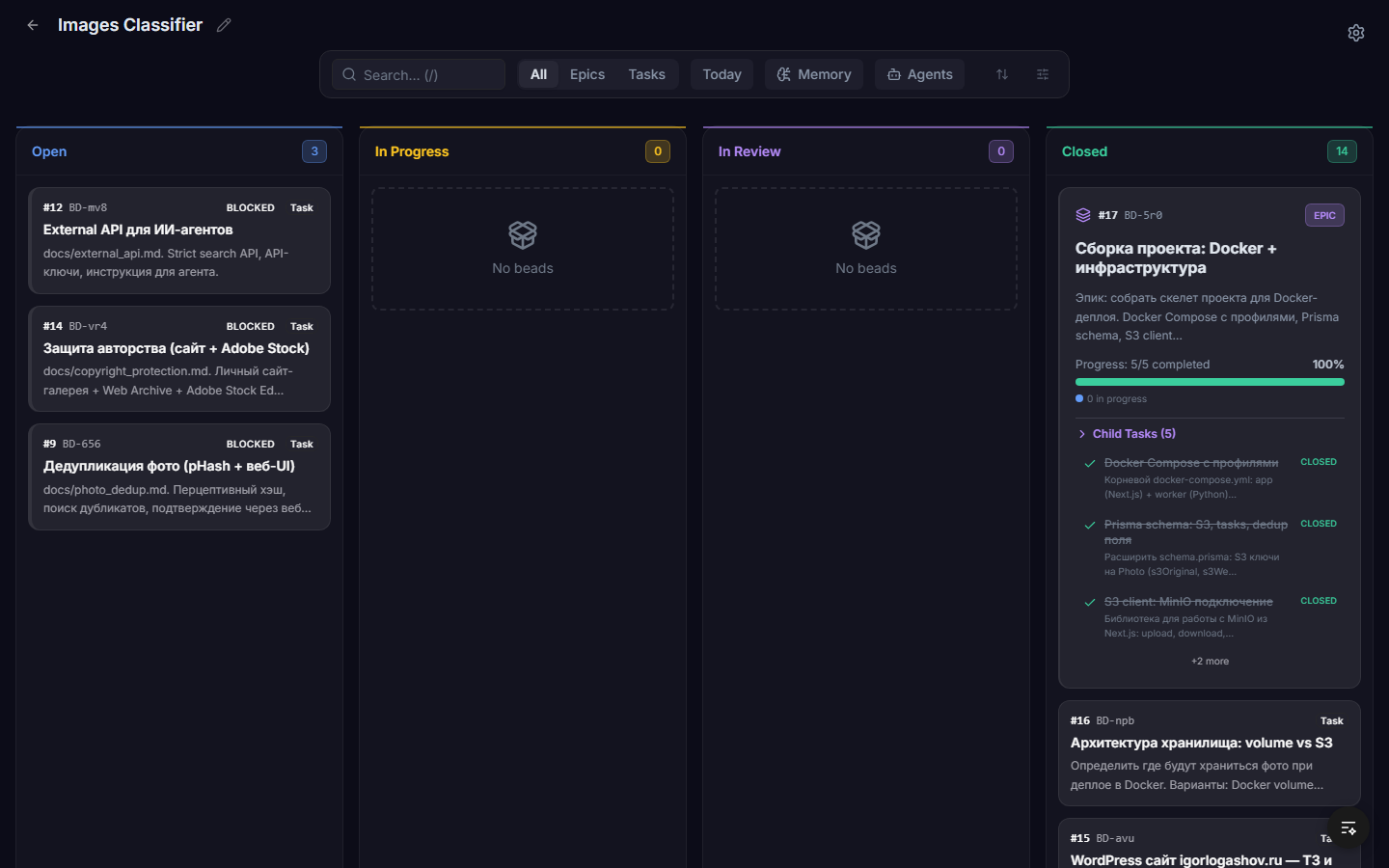
Neo-Brutalist
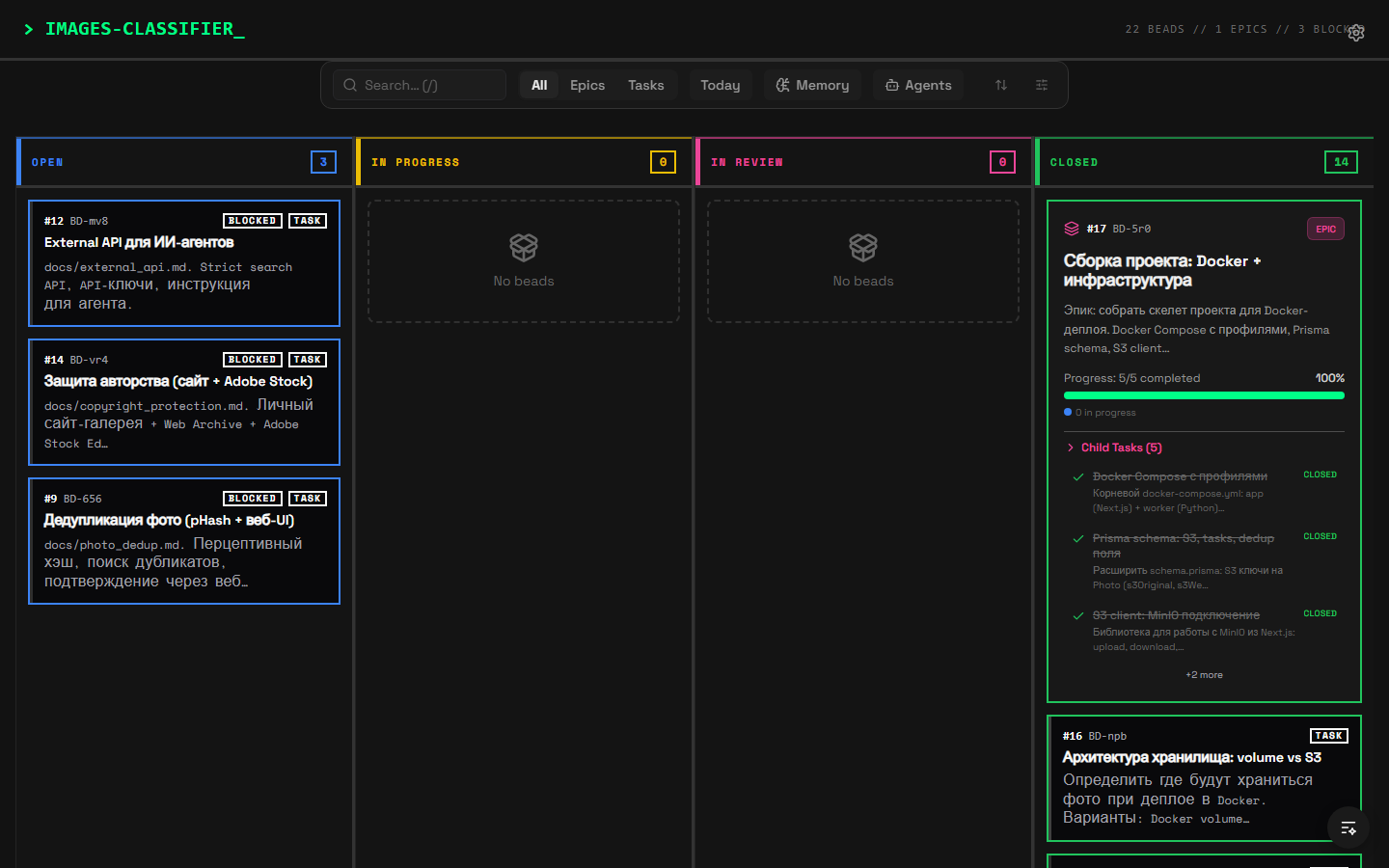
Linear Minimal
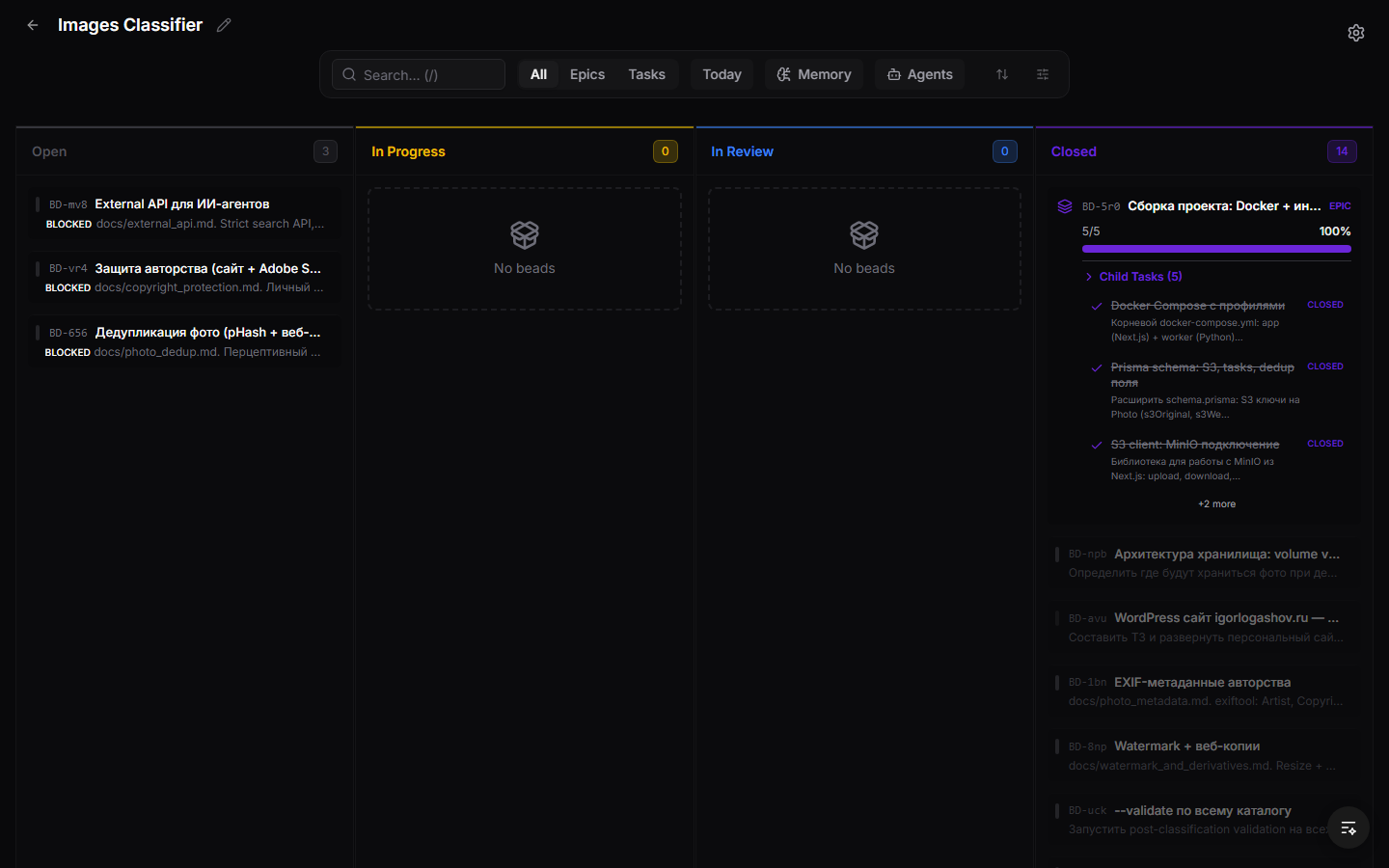
Notion Warm
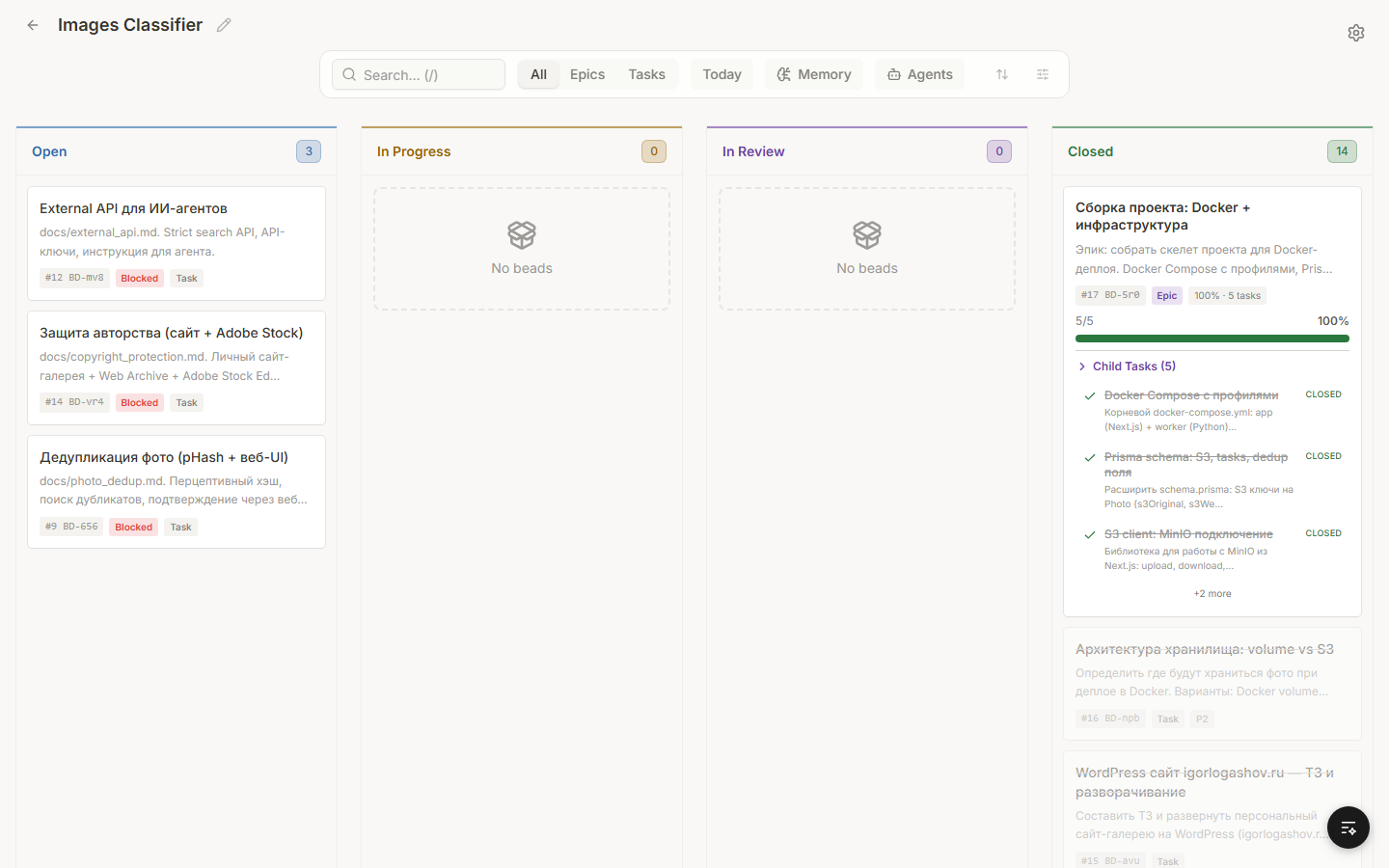
GitHub Clean
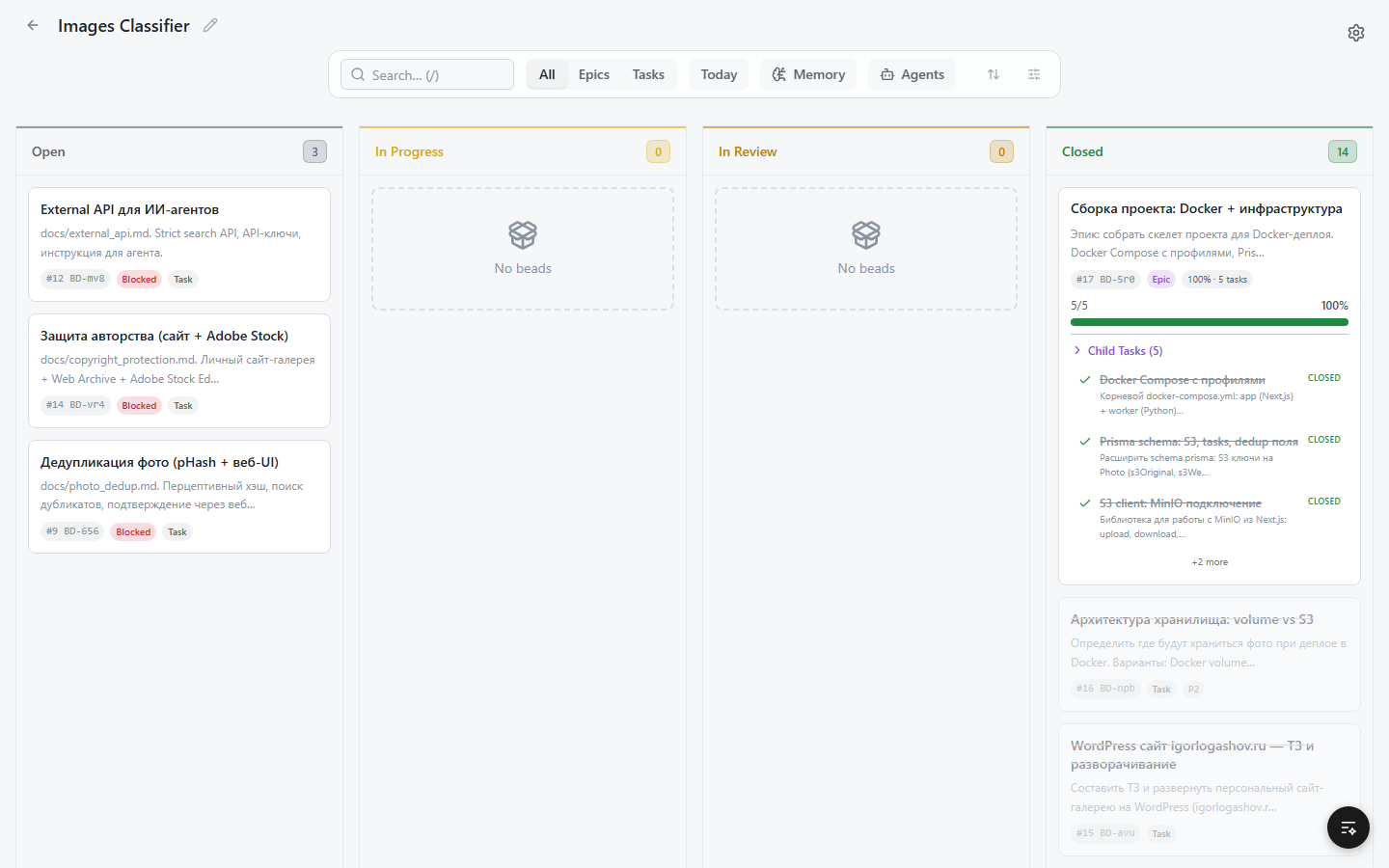
Catppuccin Latte, Frappe, Macchiato, and Mocha are available from the theme switcher.
bd) installed and available in PATHDownload the binary for your platform from GitHub Releases:
| Platform | File |
|---|---|
| Windows x64 | beads-web-win-x64.exe |
| macOS Apple Silicon | beads-web-darwin-arm64 |
| macOS Intel | beads-web-darwin-x64 |
| Linux x64 | beads-web-linux-x64 |
Each release also ships a SHA256SUMS.txt to verify your download.
Scoop (Windows):
scoop bucket add beads-web https://github.com/weselow/beads-web
scoop install beads-web
Update later with scoop update beads-web.
Nix (macOS / Linux / WSL):
nix run github:weselow/beads-web
Homebrew (macOS / Linux):
brew install weselow/beads-web/beads-web
winget (Windows):
winget install weselow.beads-web
# macOS/Linux — make executable, then run
chmod +x beads-web-*
./beads-web-darwin-arm64

# Windows
beads-web-win-x64.exe
Open http://localhost:3008. The frontend is embedded in the binary — no Node.js or Rust needed.
Prerequisites: Node.js 20+, Rust toolchain, and the Beads CLI (bd) in PATH.
git clone https://github.com/weselow/beads-web.git
cd beads-web
npm install
There are two workflows: Dev Mode (frontend hot-reload) and Build from Source (release binary).
The Next.js dev server (port 3007) serves the frontend with hot-reload; the Rust backend (port 3008) serves the API. They talk cross-origin — CORS is open on the backend.
Point the frontend at the backend:
cp .env.local.example .env.local # sets NEXT_PUBLIC_BACKEND_URL=http://localhost:3008
Generate the out/ folder once (with output: 'export' still enabled). The Rust server embeds out/ via rust-embed, so it must exist before you build the backend:
npm run build
Then comment out output: 'export' in next.config.js — next dev is incompatible with static export.
Run both servers in separate terminals:
npm run dev              # Terminal 1 — frontend on http://localhost:3007
cd server && cargo run   # Terminal 2 — backend/API on http://localhost:3008
Open http://localhost:3007. Frontend edits hot-reload; API requests go to the backend on :3008.
> The .env.local / NEXT_PUBLIC_BACKEND_URL step is dev-only. Remove it (or leave it unset) for a release build, where frontend and backend share one origin.
Produces the same self-contained binary that CI publishes to Releases — the frontend is embedded, so no Node.js or Rust is needed at runtime.
npm install
# keep `output: 'export'` enabled in next.config.js (the default)
npm run build                 # static export → out/
cd server
cargo build --release         # binary → server/target/release/beads-server (.exe on Windows)
Run the binary and open http://localhost:3008:
./server/target/release/beads-server
Q: Do I need Dolt?
A: No. Beads Web works with local filesystem projects using bd CLI. Dolt adds direct SQL access and remote database support.
Q: How do I add a project?
A: Click "Add Project" on the dashboard. Browse to your project folder or enter a dolt:// URL.
MIT
