eSearch xsf
Use this command to install eSearch with WinGet:
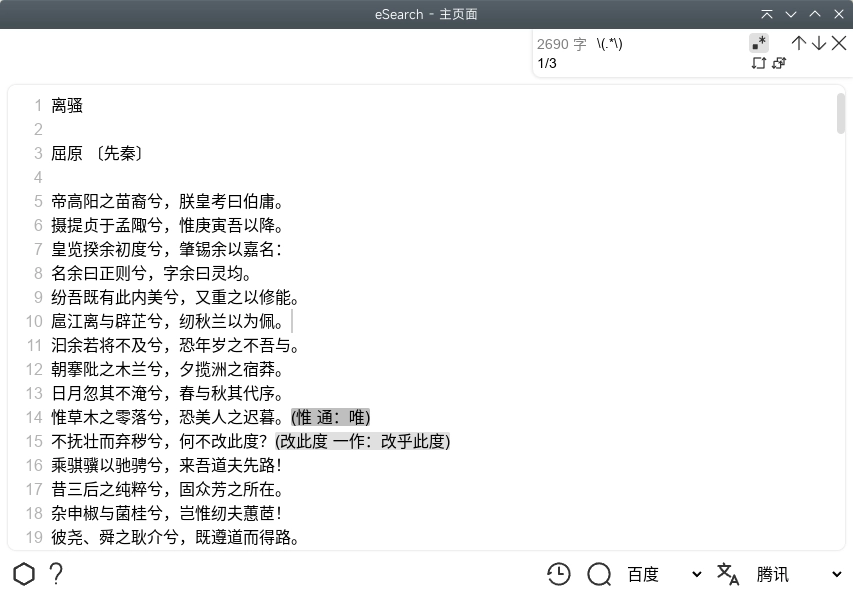
winget install --id=xushengfeng.eSearch -e eSearch is a versatile software tool designed to enhance screen management, information retrieval, and content creation. It combines screenshot utilities, OCR capabilities, search functions, image editing, and more into one comprehensive platform.
Key Features:
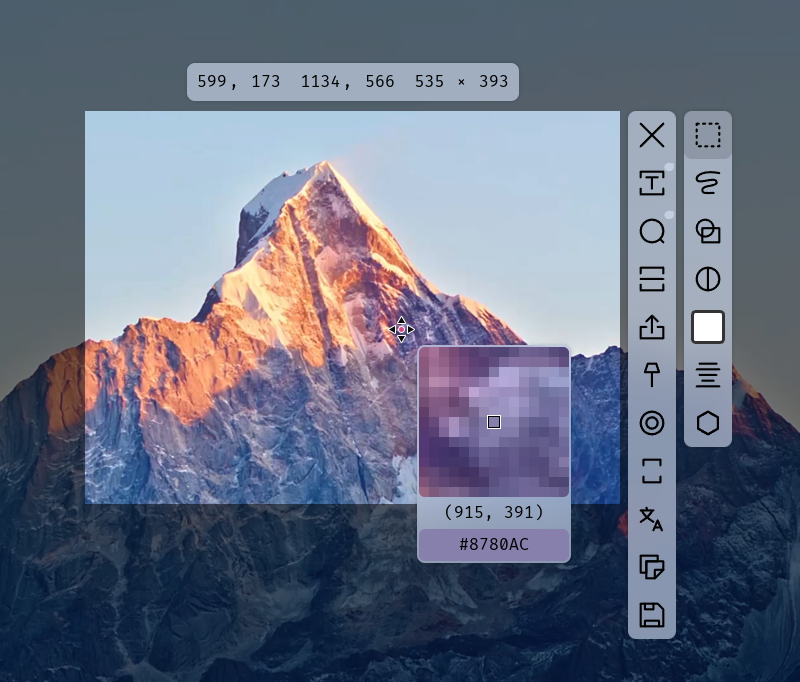
- Screenshot Tools: Capture screenshots with precision using box selection, freehand drawing, or rolling capture for extended scrolling content.
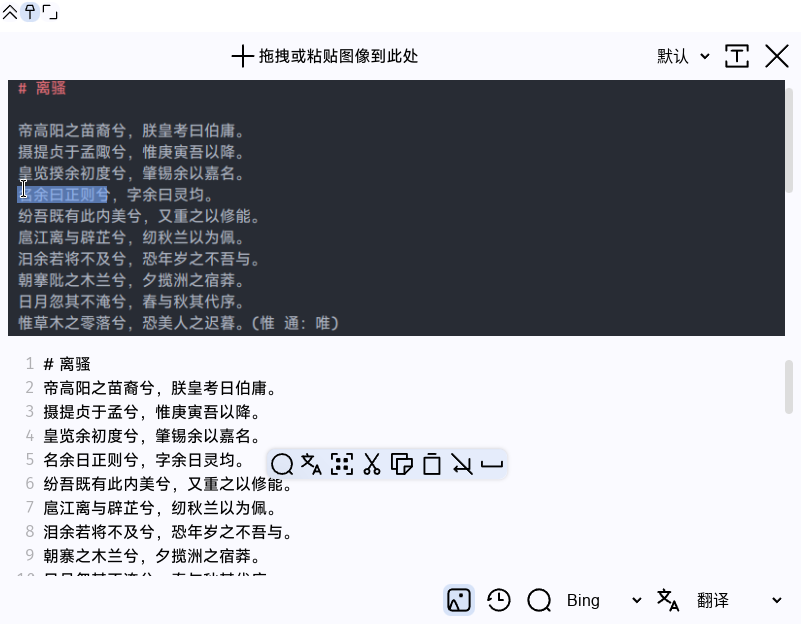
- OCR & Text Recognition: Extract text from images using an offline OCR engine that supports multiple languages, including rare characters and symbols.
- Search & Translation: Perform searches directly on captured text or images. Translate extracted content using integrated translation engines like Google Translate, DeepL, or custom APIs.
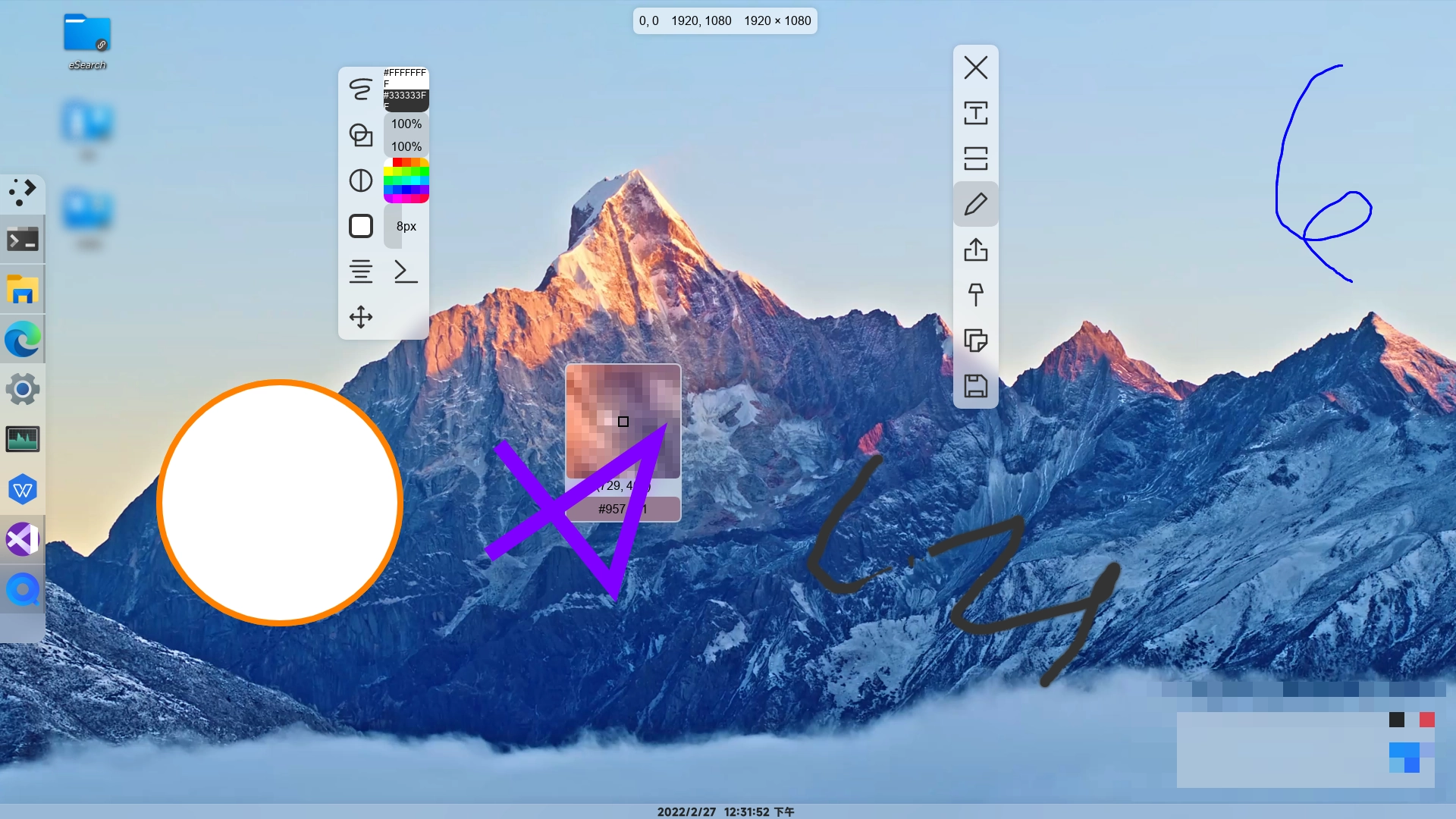
- Image Editing & Beautification: Enhance screenshots with background effects, rounded corners, shadows, or remove unwanted objects and blur sensitive areas.
- Multi-Platform Support: Available for Windows, Linux, and macOS, ensuring cross-platform compatibility.
- AI Integration: Leverage AI-powered features like image search using Google, Yandex, or custom APIs, and advanced text processing.
Audience & Benefit: Ideal for users across various operating systems who need efficient screen management, quick information retrieval, and seamless content creation. eSearch streamlines workflows by integrating multiple tools into one interface, saving time and effort in tasks like document editing, research, and creative projects.
Installation is straightforward via winget: winget install esearch.