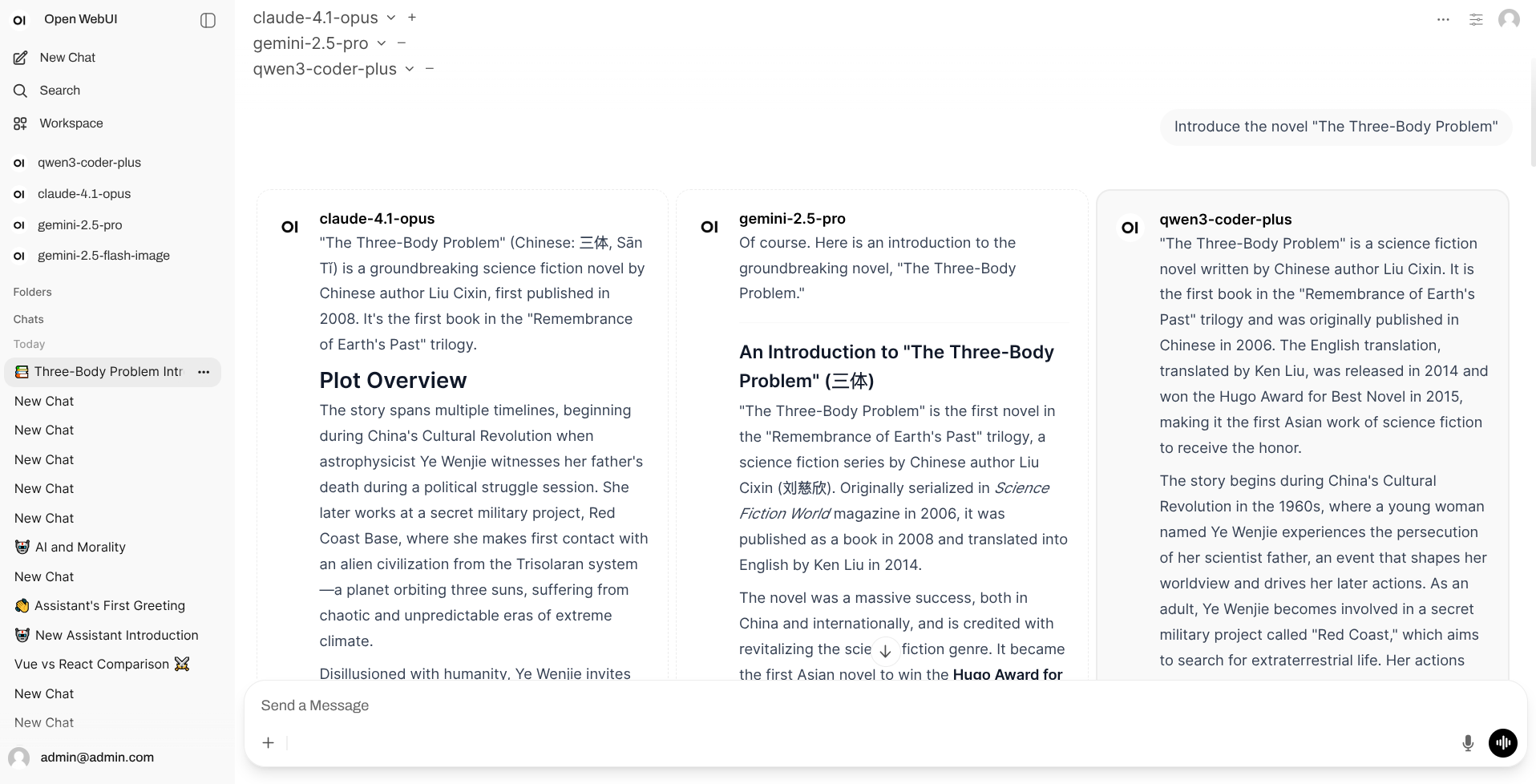
Use this command to install Open CoreUI with WinGet:
winget install --id=xxnuo.OpenCoreUI -e
Open CoreUI is a lightweight implementation of Open WebUI designed to provide a chat interface for interacting with AI language models. Built in Rust, it offers a more efficient and resource-friendly alternative to traditional setups, eliminating the need for Docker, Python, PostgreSQL, or Redis.
Key Features:
A desktop client that runs as a single executable, simplifying installation and use.
Compatibility with the original Open WebUI frontend for familiar user experience.
Lower memory usage and hardware requirements compared to the original version.
Enhanced performance thanks to its Rust-based backend server.
Support for multiple platforms, including Windows, macOS, and Linux, as well as x86_64 and aarch64 architectures.
Audience & Benefit:
Ideal for developers, researchers, and enthusiasts working with AI chatbots or large language models (LLMs). Open CoreUI enables seamless deployment of chat interfaces without complex dependencies, making it accessible even on resource-constrained devices. It can be installed via winget, ensuring a smooth setup process.
Open CoreUI, a lightweight implementation of Open WebUI
> This is a rewritten lite fork of Open WebUI v0.6.32, not an official version.
> ⚠️ Early Development Stage
> This project is currently in early development. Only basic chat functionality is implemented at this time. Other features are being developed gradually.
Features
A desktop client with a single executable download to get started
Use original frontend
No Docker, Python, PostgreSQL, Redis dependencies required
Lower memory footprint compared to original version (much lower)
Lower hardware requirements compared to original version
Better performance with Rust backend server compared to original version
Download & Usage
Support Windows, macOS, Linux systems, and x86_64, aarch64 architectures.
Visit the Releases page to download the version for your system.
Client Types
This project provides two completely independent clients. Choose one based on your use case:
1. Desktop Application
Use Case: Personal computer use with native window interface
Features:
Ready to use out of the box
Runs independently, no server required
Native window experience
2. Backend Server (CLI)
Use Case: Server deployment, access via web browser
Features:
Command-line launch, access via browser
Runs independently, no desktop client required
Suitable for server deployment and multi-user access
Usage Instructions
Desktop Client: Simply install and open the application
> macOS Users: If you see "app is damaged" error when opening, please open Terminal and run this command:
>
> bash > sudo xattr -d com.apple.quarantine "/Applications/Open CoreUI Desktop.app" >
Backend Server:
Download the binary file for your system
Grant execute permission (Linux/macOS): chmod +x open-coreui-*
Run: ./open-coreui-*
Access the displayed address in your browser (usually http://localhost:8168)
For detailed configuration options and environment variables, see CLI Documentation.
knox - The author of an commercial rust backend of open-webui, inspired by him, I started totally rewriting the backend in golang and kept up with the latest Open Web UI version.