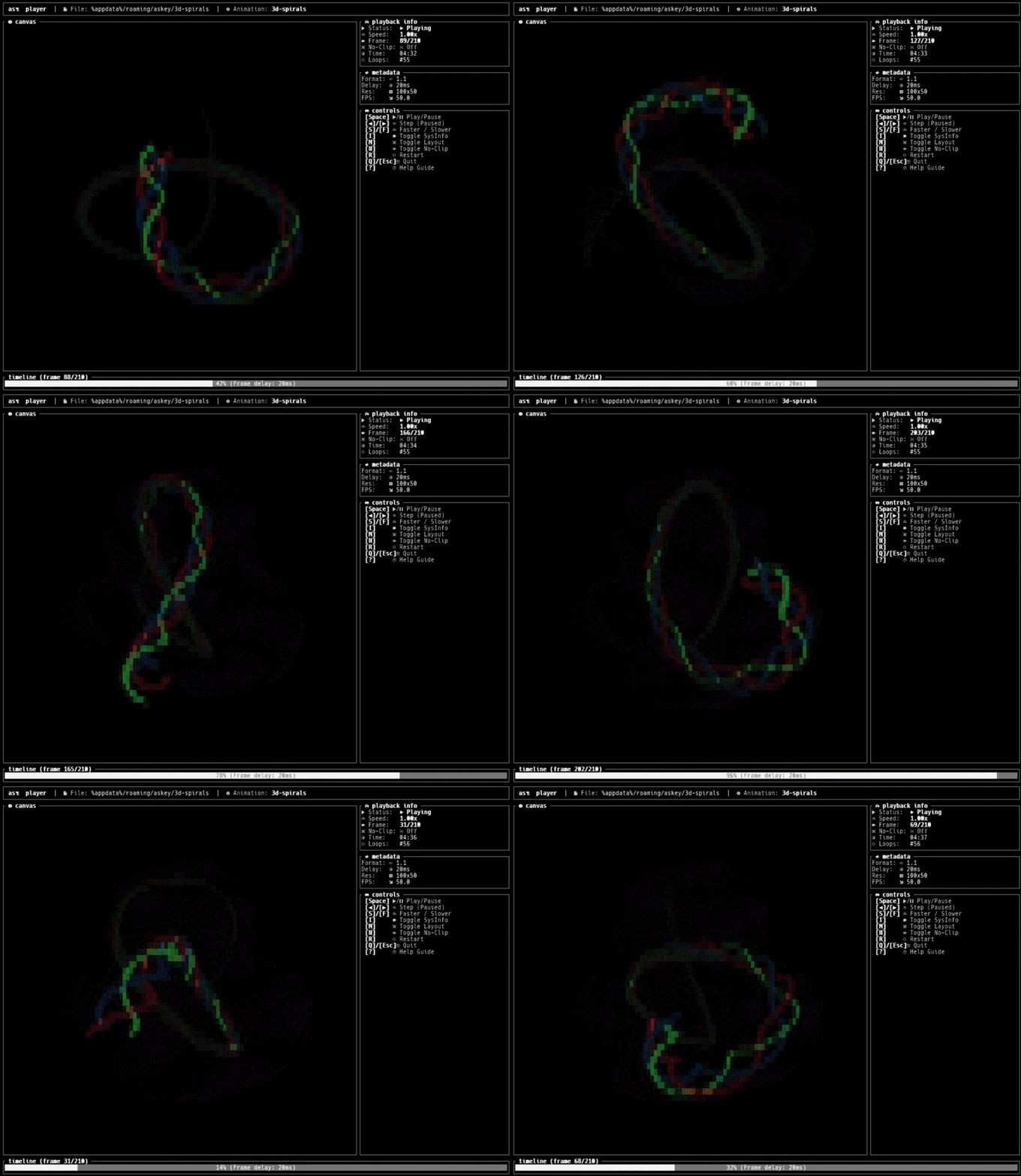
Askey CLI is a terminal-based tool designed to load, convert, preview, and play high-performance ASCII art animations. It combines a command-line interface (CLI) with an interactive text user interface (TUI) dashboard for managing and displaying animations.
Key Features:
Interactive TUI Dashboard: Users can browse, preview, and manage animations directly within the terminal.
Drag-and-Drop Import: Supports importing .askey files or converting standard images and GIFs into ASCII art animations on-the-fly.
No-Clip Mode & Panning: Enables dynamic canvas panning for overflow animations, allowing users to navigate large animations with arrow keys.
Quantization Controls: Adjust quantization levels to optimize animations for different terminal sizes and character sets.
Keyboard Shortcuts: Offers extensive keyboard controls for playing, pausing, adjusting speed, and navigating between frames.
Audience & Benefit:
Ideal for developers, designers, and artists who work with ASCII art or need a lightweight solution for terminal-based animation playback. Askey CLI provides an efficient way to manage and display animations directly from the command line or TUI interface, enhancing productivity in terminal environments. It can be installed via winget for easy setup.
askey-cli is a terminal player and converter for .askey ASCII animations. It features a built-in library browser TUI, interactive drag-and-drop imports, live quantization controls, and dynamic responsive canvas panning in no-clip mode.
ƒ Features
TUI Library Browser: Scan, preview, and play animations stored in your local asꄗ folder.
Drag & Drop Import Wizard: Drop .askey files or standard images/GIFs directly into the TUI to import/convert on-the-fly.
No-Clip Mode & Panning: Center overflow animations on small terminal screens and pan canvas dynamically with arrow keys.
askey searches the local directory first, falling back to the AppData library directory.
# Run askey with no arguments to open the TUI library browser
askey

# Play animation
askey play test [--noclip] [--dashboard]

# Adds a tiny system fetch panel to the dashboard TUI
askey fetch test

# Convert image/GIF
askey convert my_image.gif --width 80 --preset blocks --quantize 16
☛ License
This project is licensed under the MIT License - check LICENSE for details.