InSearch Struis ICT
Install InSearch with WinGet
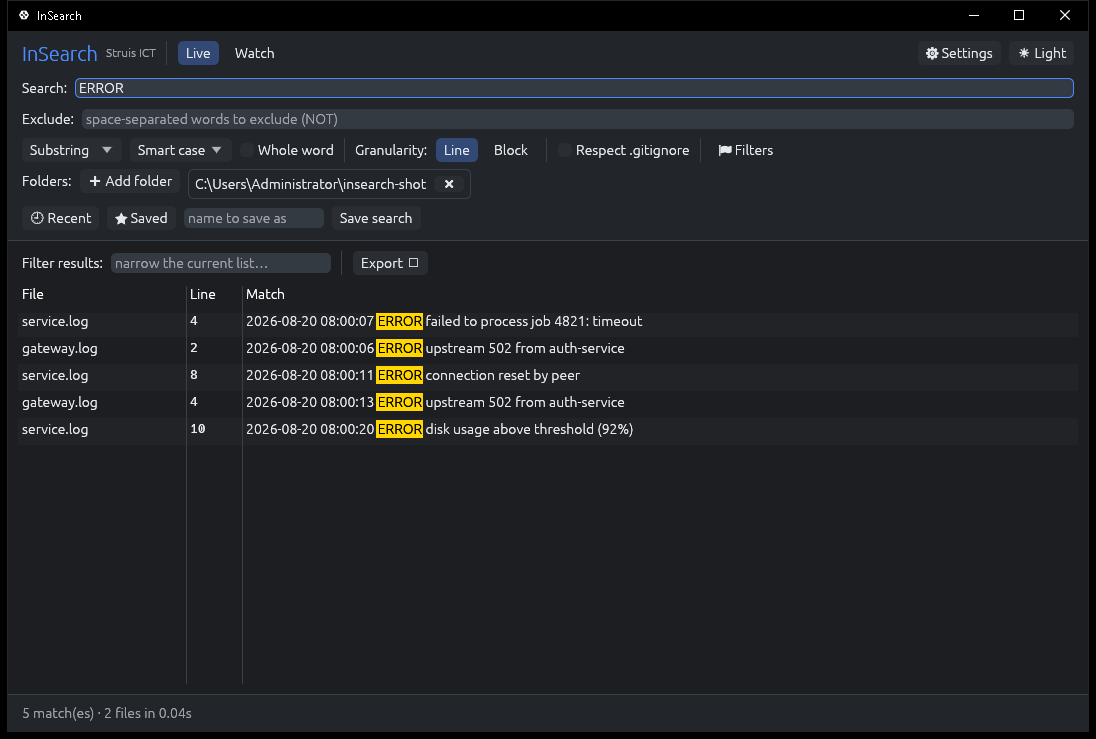
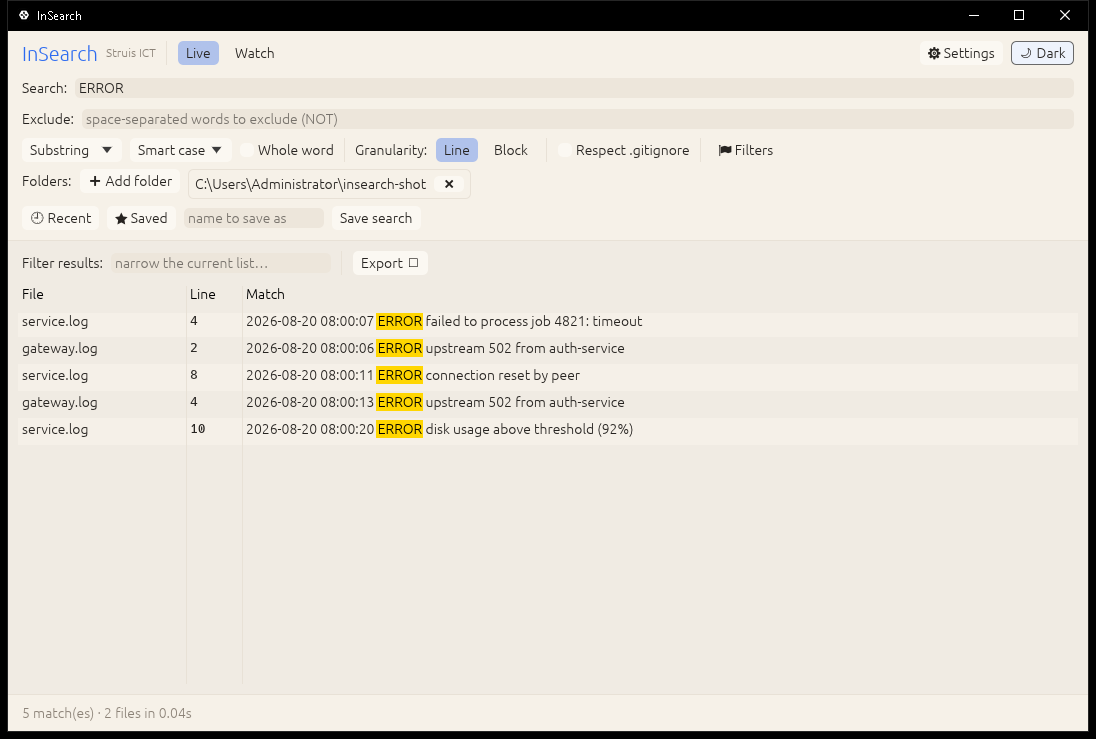
winget install --id=StruisICT.InSearch -e InSearch is a real-time file search tool designed to locate files on disk and search inside them, streaming matches as they are found. It supports plain text, logs, PDFs, Word documents (docx), Excel spreadsheets (xls/xlsx/ods), and more, with results displayed per line or timestamp-to-timestamp block. InSearch allows users to query using substrings, regular expressions, all-words (AND), any-words (OR), and exclude filters, while also filtering by file name, extension, size, and date. It includes features like folder watching for changes (log-tailing), exporting results, and a right-click menu integration in Windows Explorer.
Key Features:
- Real-time search with streaming matches as files are scanned.
- Support for multiple file types, including text logs, PDFs, docx, xlsx, and ods.
- Flexible querying options: substring, regex, all-words (AND), any-words (OR), exclude filters.
- File filtering by name, extension, size, and modified date.
- Integration with Windows Explorer via a right-click menu option.
- Local-only operation for privacy and security.
Target Audience and Benefits:
Ideal for IT professionals, developers, and analysts who need to quickly search through logs or documents. InSearch helps save time by providing fast, content-aware searches and real-time updates as files change.
InSearch is available via the Windows Package Manager (WinGet). Install it using winget install struisict.InSearch to enjoy a powerful yet lightweight file-searching experience.